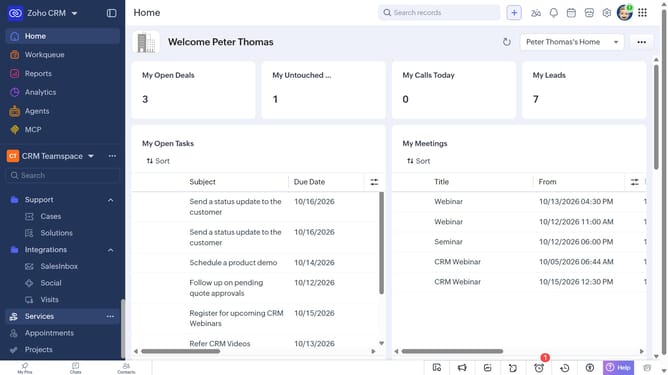
How to sort the price book list on Zoho CRM
Here is how to sort the price book list on zoho crm
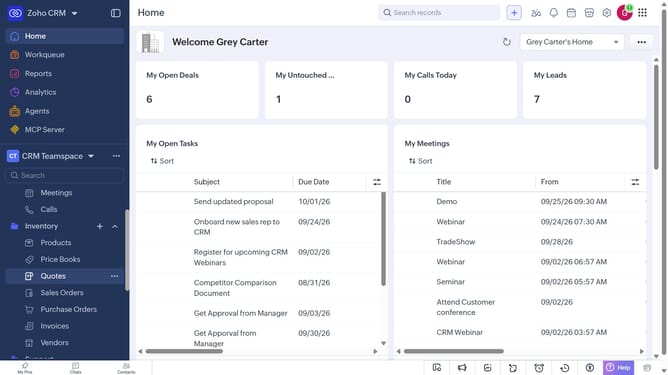
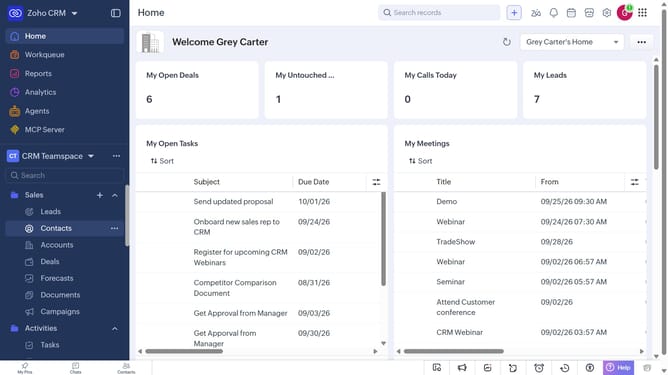
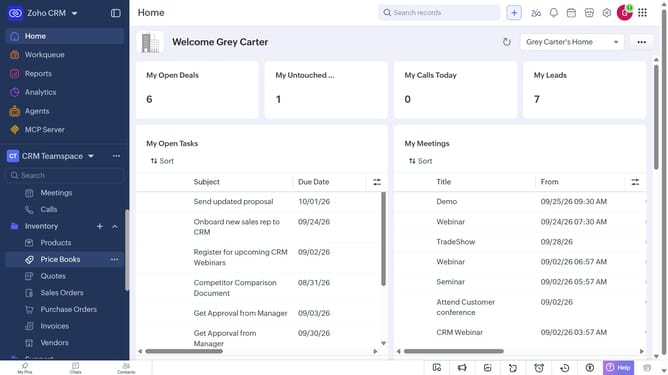
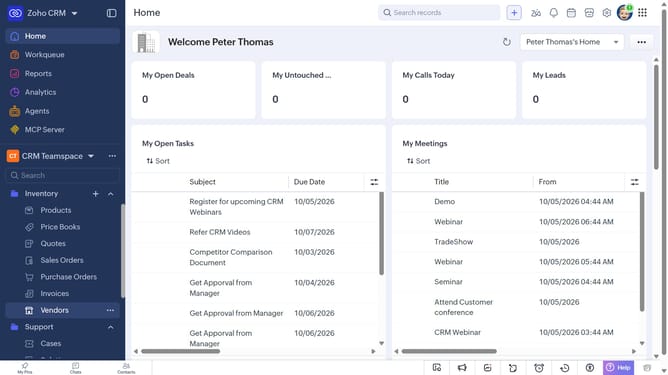
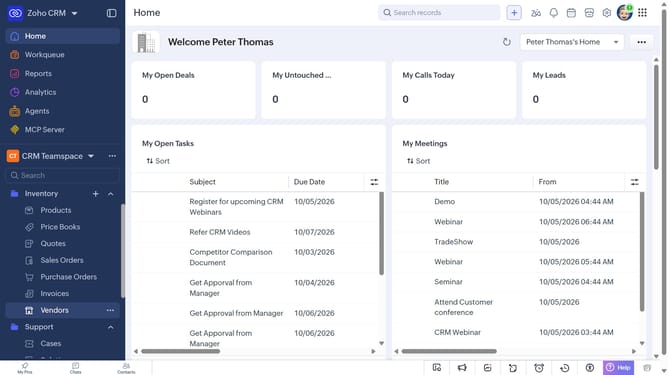
- First, click on "Price Books" under the "Inventory" section in the left sidebar menu
- Next, click on the "Sort" button in the top menu
- After that, click on the "Sort By" dropdown
- Then select the option you want to sort by
- Next, choose whether to sort in Ascending or Descending order
- Finally click on the "Apply" button
Why should you How to sort the price book list on Zoho CRM
Zoho CRM is a comprehensive platform designed to streamline customer relationship management processes, enhancing productivity and business growth.
Sorting the price book list in Zoho CRM is a valuable feature that allows you to organize and manage your product pricing effectively. By arranging entries according to your preferred criteria, such as price or product name, you can quickly access the information essential for making informed pricing decisions.
This feature helps create a more efficient workflow by enabling easy retrieval and comparison, ensuring that you always have a clear overview of your pricing strategies. As a result, managing sales processes becomes more intuitive, saving time and reducing errors in pricing evaluations.
Last update