How to change the owner of a quote on Zoho CRM
Here is how to change the owner of a quote on zoho crm
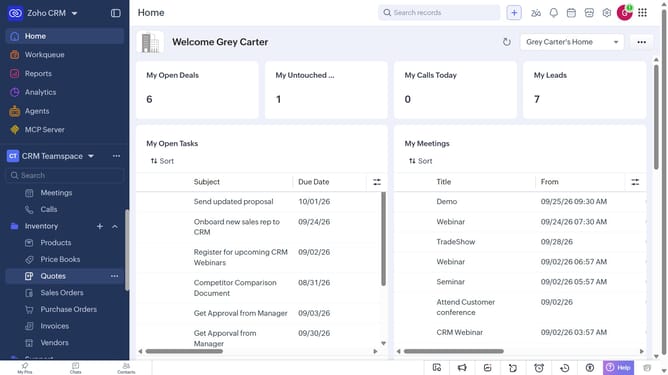
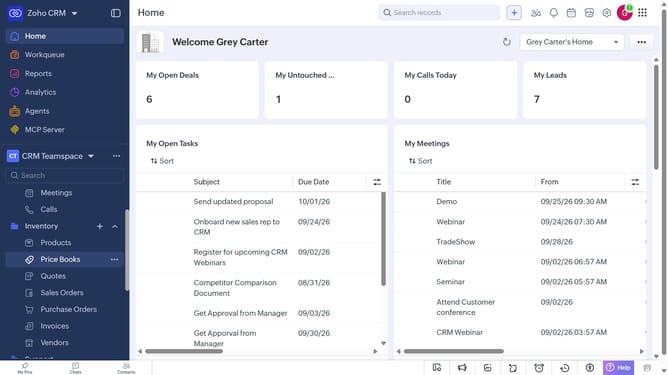
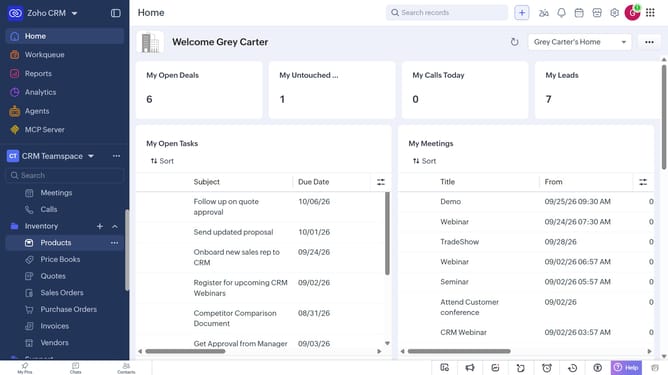
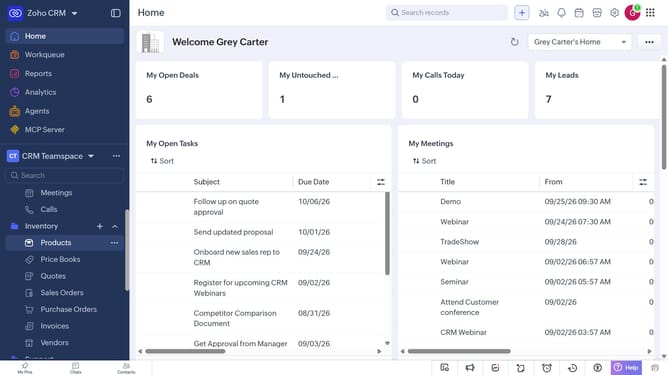
- First, click on "Quotes" under the "Inventory" section in the left sidebar menu
- Next, locate the quote whose owner you want to change
- Click on the "More options" button next to the quote
- After that, select "Change Owner" from the dropdown menu
- In the "Change Owner" modal, click on the dropdown
- Then select the new owner from the dropdown menu
- Next, check "Send Email notification" to enable alerts, or leave it unchecked
- Finally, click on the "Change Owner" button
Why should you How to change the owner of a quote on Zoho CRM
Zoho, a comprehensive suite of business applications, is beautifully designed to streamline operations and enhance productivity.
One of Zoho CRM's versatile features is the ability to change the owner of a quote seamlessly. This feature allows businesses to reassign quotes efficiently, ensuring that the most appropriate team member handles customer interactions.
Utilizing this feature ensures that team dynamics are respected and customer interactions remain consistent and personalized. This leads to improved team collaboration and greater customer satisfaction.
Last update