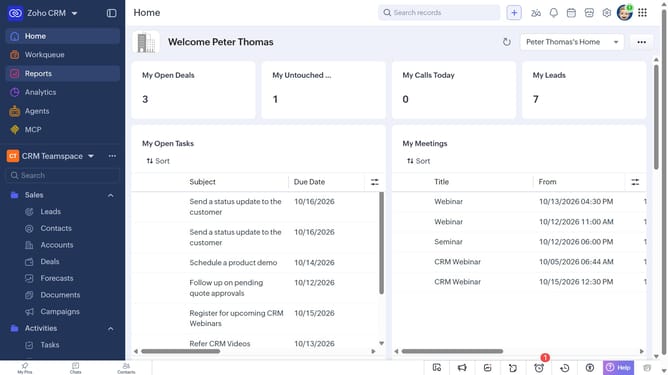
How to change the display name format on Zoho CRM
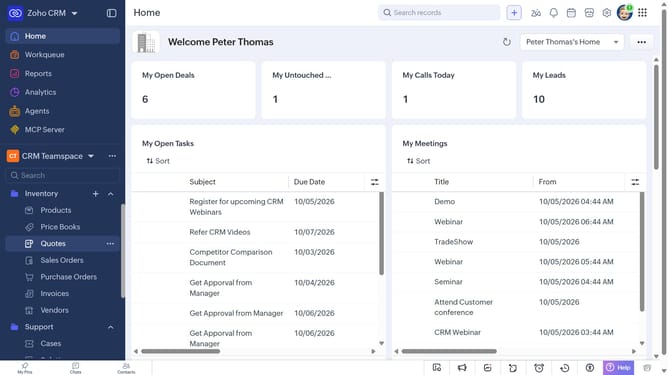
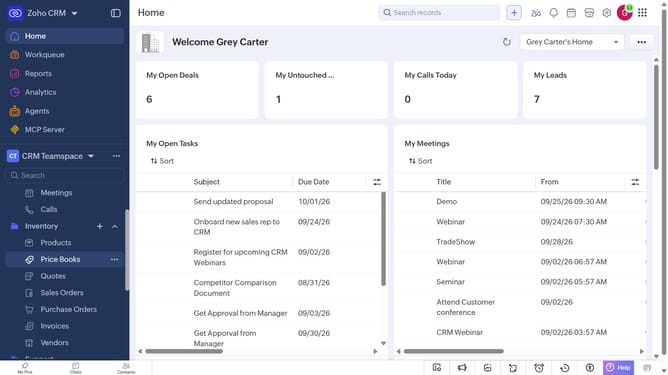
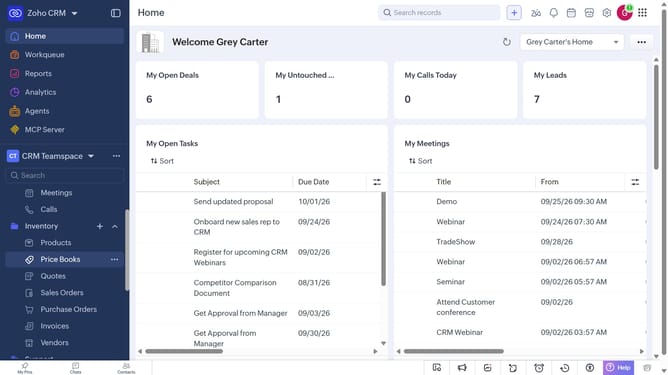
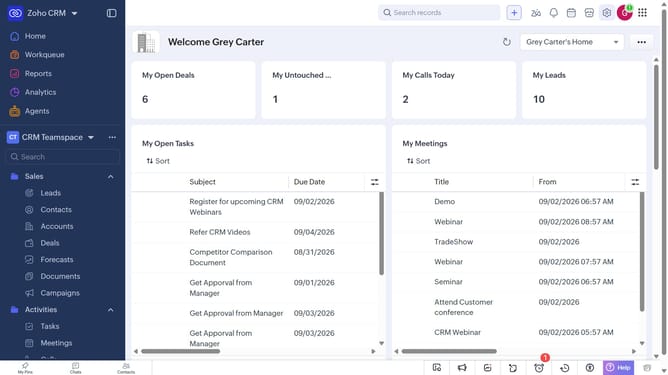
Here is how to change the display name format on zoho crm
- First click on the settings icon in the top right corner
- Click on "Personal Settings" under the "General" section
- Next, scroll down to the "Display Name Format & Preferences" section
- Then click on the "Name Format" dropdown
- Finally select your preferred name format from the dropdown menu
Why should you How to change the display name format on Zoho CRM
Zoho CRM is a dynamic tool designed to elevate business relationships and streamline customer management.
Changing the display name format in Zoho CRM allows for greater personalization and organization, tailoring customer interactions to suit your specific needs.
Having control over name formats aids in maintaining a consistent and professional appearance across all communications, ensuring clarity and cohesion in client interactions. This feature enhances user experience by accommodating diverse naming conventions, making it easier to locate and recognize contacts instantly, ultimately facilitating smoother and more efficient operations.
Last update