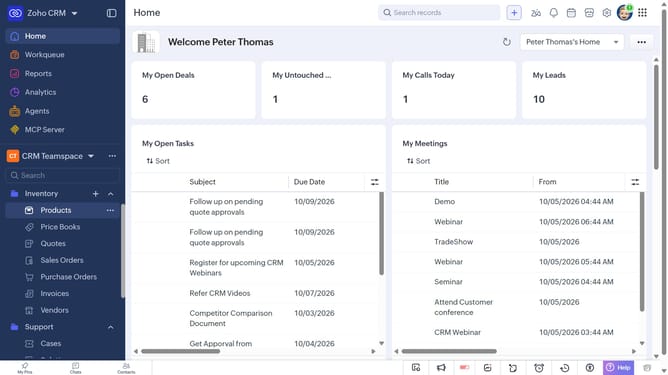
How to set the time format to 24 Hours on Zoho CRM
Here is how to set the time format to 24 hours on zoho crm
- First click on the settings icon in the top right corner
- Click on "Personal Settings" under the "General" section
- Next, click on the pencil icon next to "Locale information"
- After that, click on the "Time Format" dropdown
- Then, select "24 Hours" from the dropdown menu
- Finally click on the "Save" button
Why should you How to set the time format to 24 Hours on Zoho CRM
Zoho CRM is a powerful tool designed to streamline your business operations effectively.
Setting the time format to 24 Hours on Zoho CRM allows for precision in managing international communications. This feature ensures clarity in scheduling, which is vital for teams working across different time zones. By adopting the 24-hour format, users minimize the risk of misunderstandings and errors that can arise from ambiguous time representations.
The ability to customize your time format according to your preference enhances the overall efficiency of task management, making collaboration smoother and more intuitive across your organization.
Last update