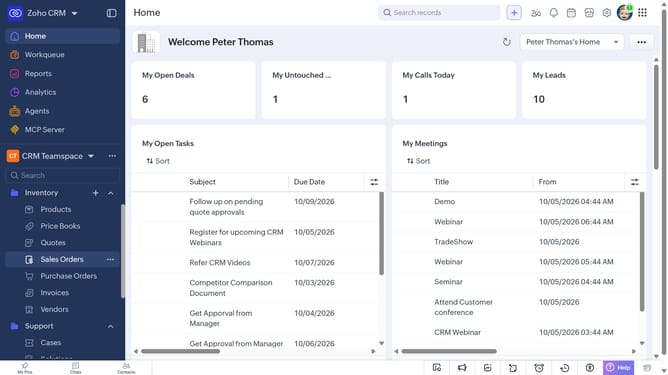
How to change the owner of a task on Zoho CRM
Here is how to change the owner of a task on zoho crm
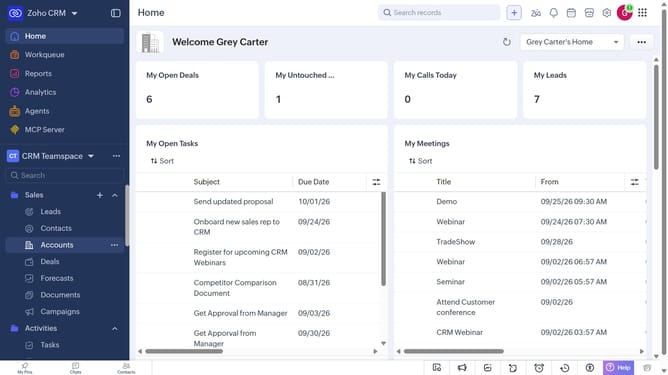
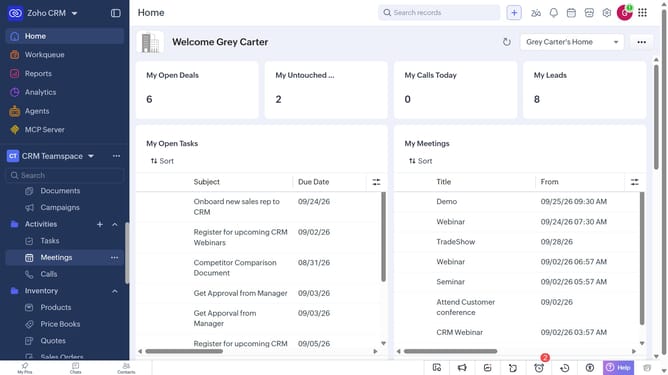
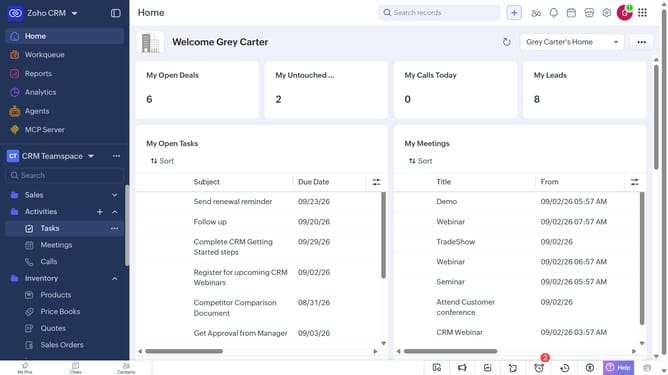
- First, click on "Tasks" in the left sidebar menu
- Next, click on the task you want to update to open it
- After that, click on the "Edit" button
- Next, click on the "Task Owner" dropdown
- In the "Change Owner" modal, click on the dropdown
- Then select the new owner from the dropdown menu
- Next, check "Send Email notification" to enable alerts, or leave it unchecked
- Then, click on the "OK" button
- Finally click on the "Save" button
Why should you How to change the owner of a task on Zoho CRM
Zoho CRM, a powerful tool for managing customer relationships, streamlines business processes to boost productivity.
Changing the owner of a task in Zoho CRM enhances team collaboration and ensures responsibilities are clearly assigned. This feature allows for seamless transitions, whether reallocating tasks due to team shifts or redistributing workload for efficiency.
By enabling easy task reassignment, Zoho CRM helps maintain momentum on projects and optimizes resource utilization, ultimately leading to improved customer satisfaction and business growth.
Last update