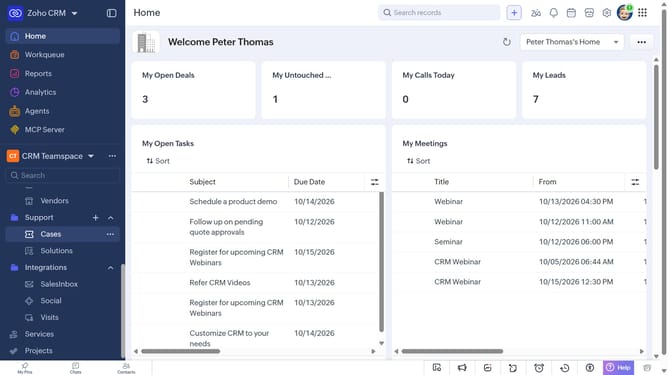
How to print preview an account on Zoho CRM
Here is how to print preview an account on zoho crm
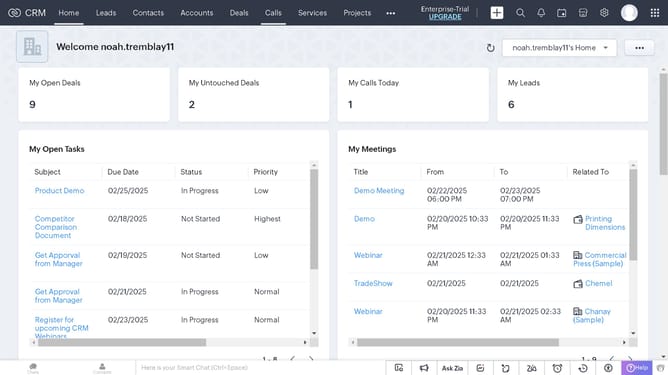
- First, click on "Accounts" in the left sidebar menu
- Next, click on the account you want to preview
- After that, click on the "More Options" button
- Then select "Print Preview" from the dropdown menu
Why should you How to print preview an account on Zoho CRM
Zoho is an innovative platform designed to streamline business processes and foster growth.
One of the valuable features within Zoho CRM is the ability to print preview an account. This feature provides a quick visual overview of account details before printing, ensuring that all necessary information is accurately captured.
Using the print preview functionality is beneficial as it allows seamless verification of data, reducing errors and enhancing efficiency. By reviewing the account details in advance, users can maintain consistency in documentation and ensure smooth communication with clients and partners.
Last update