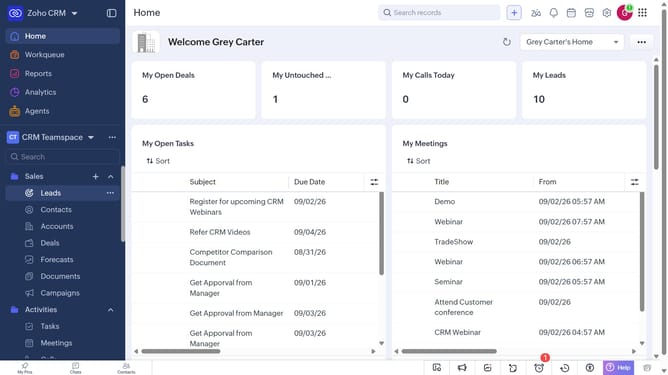
How to print preview a meeting on Zoho CRM
Here is how to print preview a meeting on zoho crm
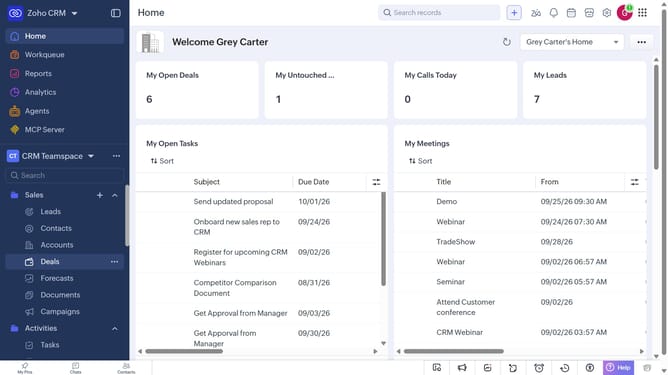
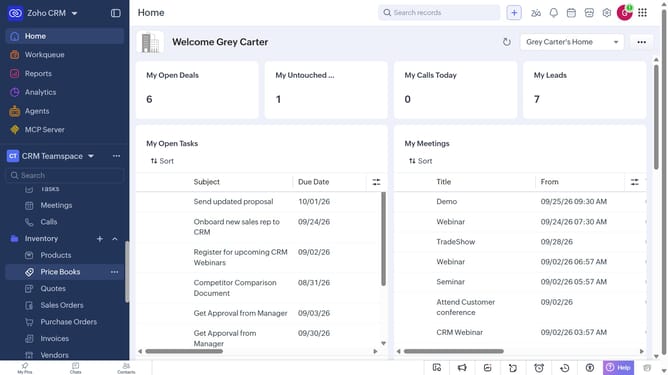
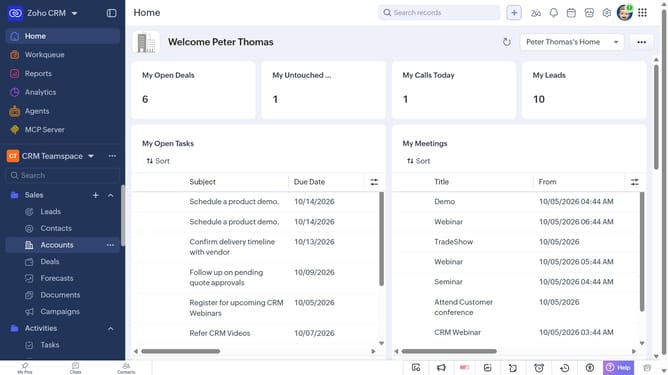
- First, click on "Meetings" in the left sidebar menu
- Next, click on the meeting you want to preview
- After that, click on the "More Options" button
- Then select "Print Preview" from the dropdown menu
Why should you How to print preview a meeting on Zoho CRM
Zoho CRM is a dynamic tool designed to streamline and enhance customer relationship management.
One of its convenient features is the ability to print preview a meeting, which allows users to review all pertinent details before attending or sharing.
This feature ensures that vital information is double-checked, reducing the chance of errors and promoting preparedness. By using print preview, users can quickly verify agendas, attendee lists, and meeting notes, ensuring everything is accurate and easily accessible.
Overall, this function enhances productivity and clarity, making meetings more effective.
Last update