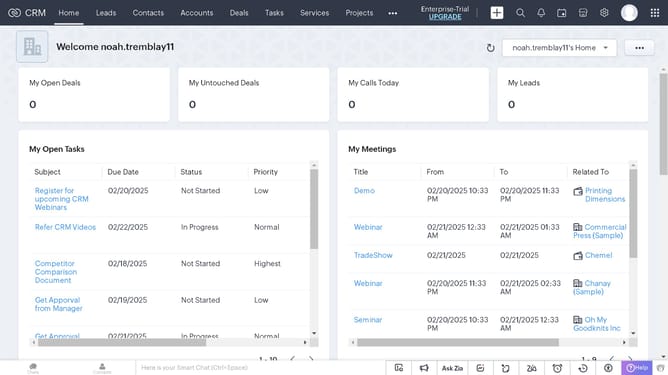
How to share a lead publicly on Zoho CRM
Here is how to share a lead publicly on zoho crm
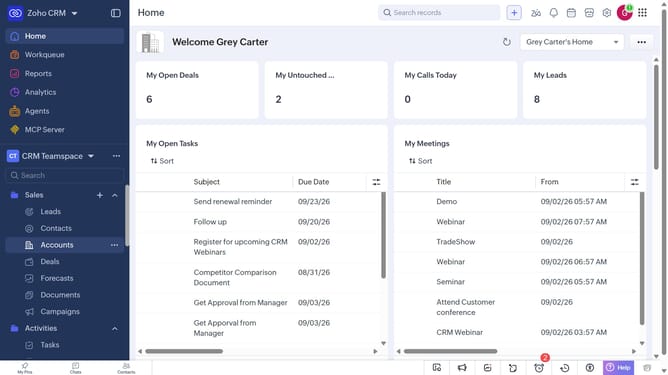
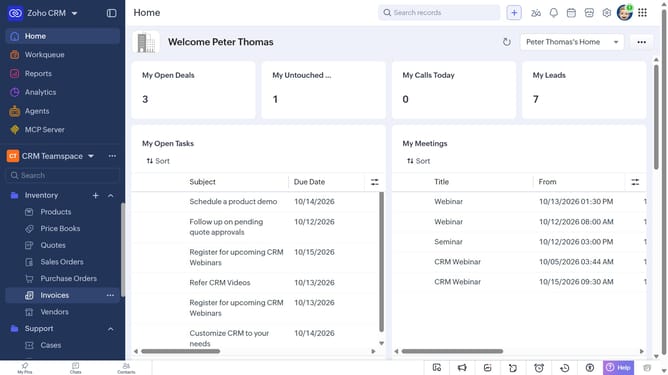
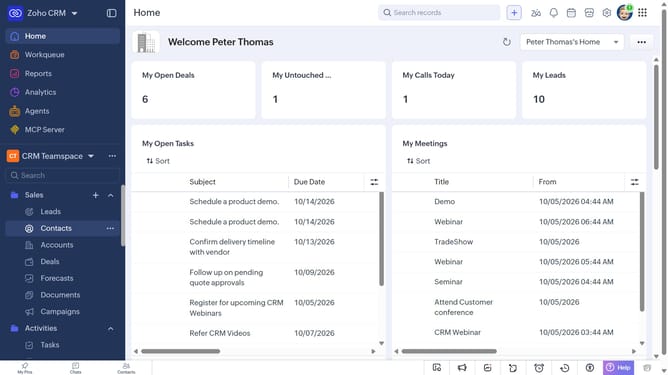
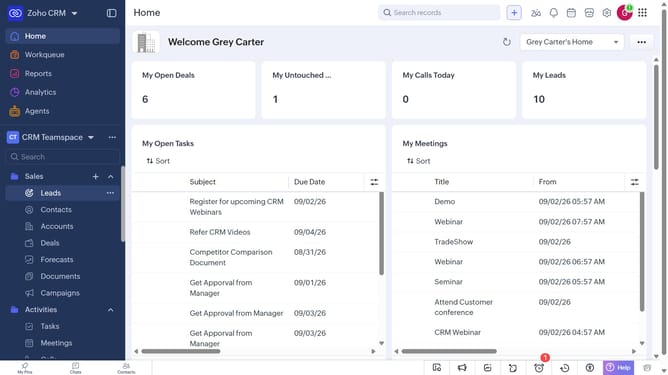
- First click on "Leads" in the left sidebar menu
- Next, click on the lead you want to share to open its detail page
- Then click on the "More options"(three dots) button
- Select "Share" from the dropdown menu
- Next, select "Public" as the record access type
- After that, click the "Permission" dropdown
- Then choose the permission level
- Finally, click on the "Share" button to confirm
Why should you How to share a lead publicly on Zoho CRM
Zoho CRM is a dynamic tool designed to streamline your customer relationship management processes effortlessly.
One of its standout features is the ability to share a lead publicly. This feature facilitates seamless teamwork by allowing you to share specific leads with external partners or team members without compromising data security.
By sharing leads publicly, you ensure transparency and enhance collaboration, enabling everyone involved to access essential information instantaneously. This not only drives efficiency but also accelerates decision-making, paving the way for faster business growth and improved client interactions.
Last update