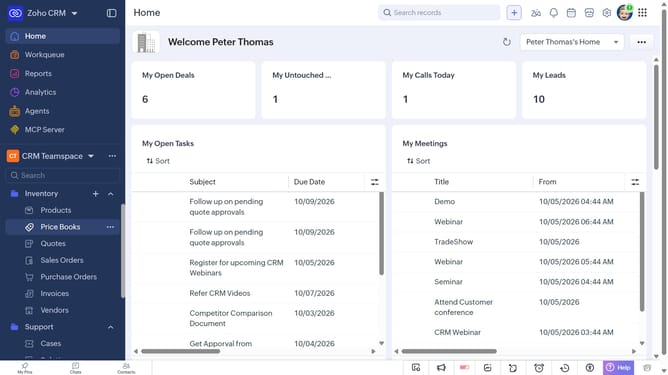
How to edit an account on Zoho CRM
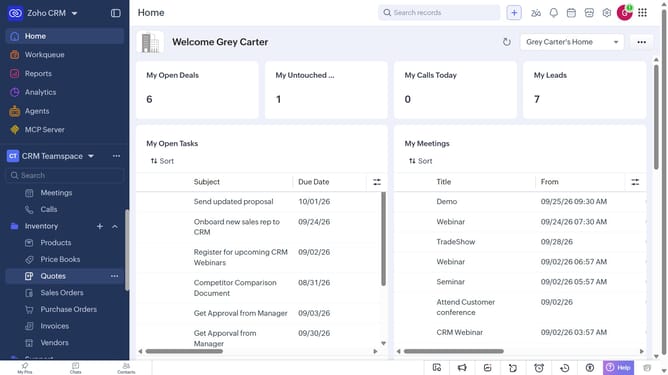
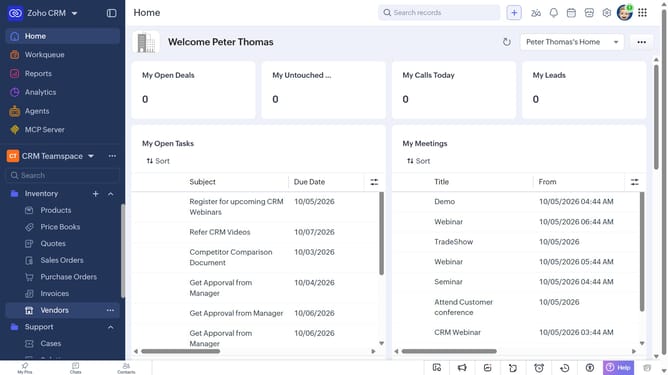
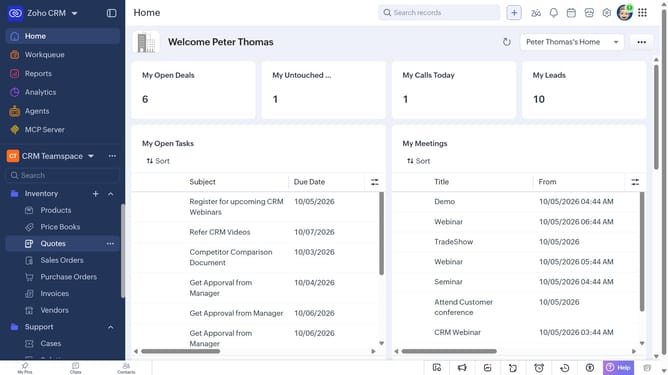
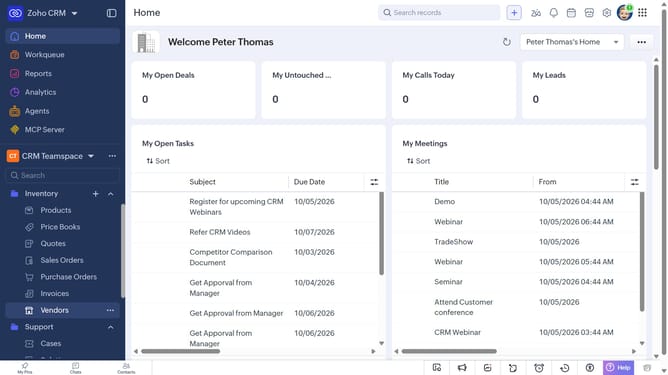
Here is how to edit an account on zoho crm
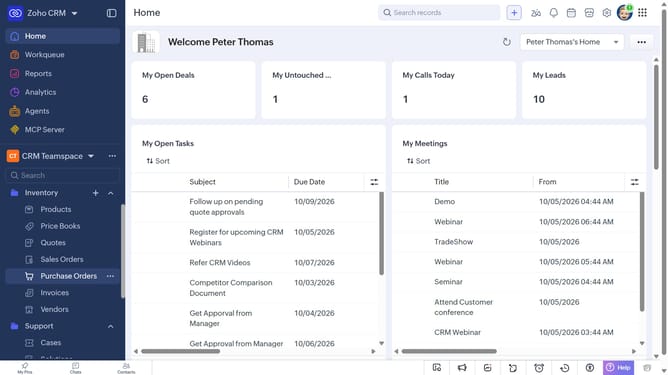
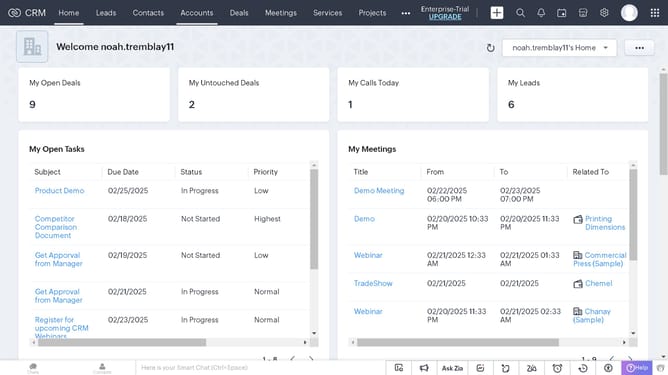
- First, click on "Accounts" in the left sidebar menu
- Next, click on the account you want to edit to open its detail page
- After that, click on the "Edit" button
- Then, make the necessary changes to the account details
- Finally click on the "Save" button
Why should you How to edit an account on Zoho CRM
Zoho CRM is a robust platform designed to streamline the way businesses manage and enhance their customer relationships.
Editing an account on Zoho CRM is a straightforward feature that ensures your customer database remains up-to-date and accurate. This functionality allows users to modify account details easily, reflecting any changes in customer information as needed.
Keeping account details current not only enhances customer interactions but also improves data accuracy, which can lead to more informed decision-making and personalized service. This feature is essential for maintaining a dynamic and responsive customer management system.
Last update