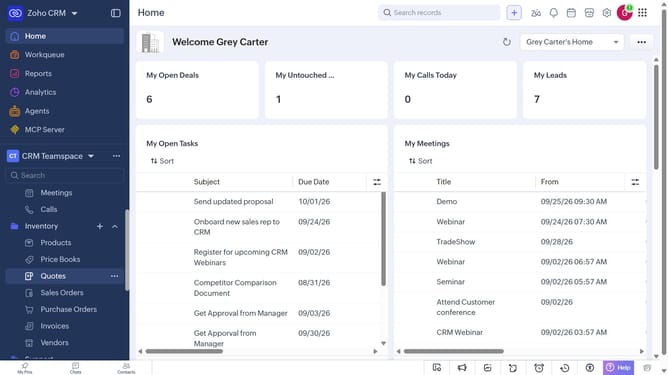
How to create a task for a quote on Zoho CRM
Here is how to create a task for a quote on zoho crm
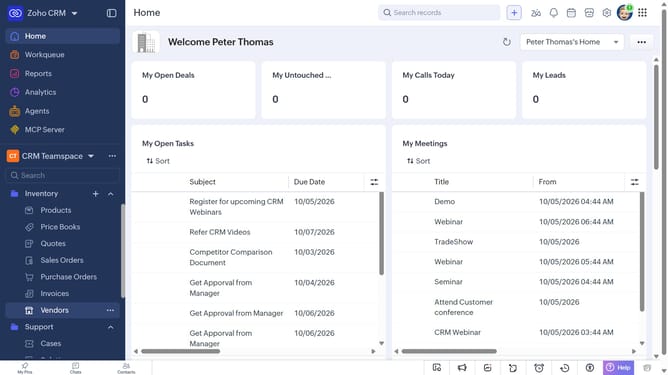
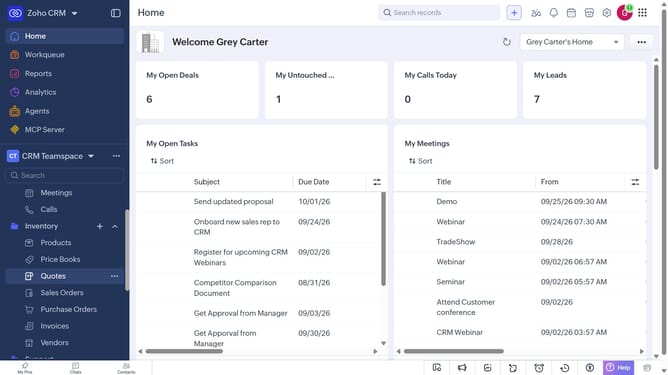
- First, click on "Quotes" under the "Inventory" section in the left sidebar menu
- Next, locate the quote you want to create a task for
- Click on the "More options" button next to the quote
- Select "Create Task" from the dropdown menu
- Then, enter the task details
- Finally, click on the "Save" button
Why should you How to create a task for a quote on Zoho CRM
Zoho CRM is a powerful tool designed to streamline customer relationship management effectively.
Creating a task for a quote on Zoho CRM ensures that no opportunities slip through the cracks. By organizing tasks related to quotes, you maintain a clear view of follow-ups, effortlessly aligning sales processes and fostering a proactive approach.
This feature not only boosts productivity but also enhances team collaboration, making sure everyone is on the same page. It underscores the advantage of staying organized, resulting in better client engagement and improved conversion rates.
Last update