How to use a comma as the decimal separator on Zoho CRM
Here is how to use a comma as the decimal separator on zoho crm
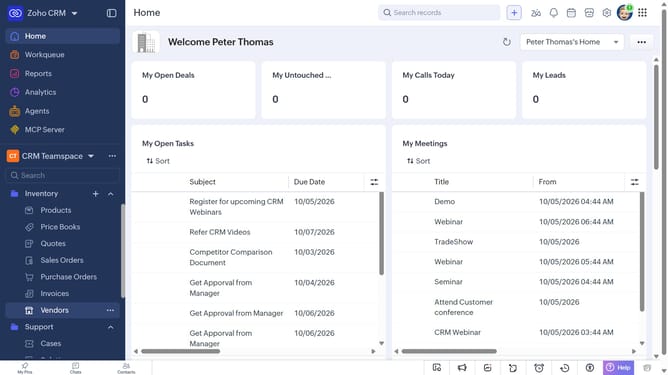
- First click on the settings icon in the top right corner
- Click on "Personal Settings" under the "General" section
- Next, click on the pencil icon next to "Locale information"
- After that, click on the "Decimal" dropdown under "Number Format" section
- Then, select "Comma" from the dropdown menu
- Finally click on the "Save" button
Why should you How to use a comma as the decimal separator on Zoho CRM
Zoho CRM is a powerful solution designed to streamline customer relationship management for businesses of all sizes.
One of the standout features is its ability to use a comma as the decimal separator, which caters to international users who prefer this format. This customization enhances data consistency and accuracy when entering numerical values, aligning the software with local preferences and accounting standards.
Adopting the comma separator simplifies reading and verifying figures, preventing misunderstandings and improving overall efficiency. It ensures seamless regional compatibility, enhancing user experience across diverse markets.
Last update