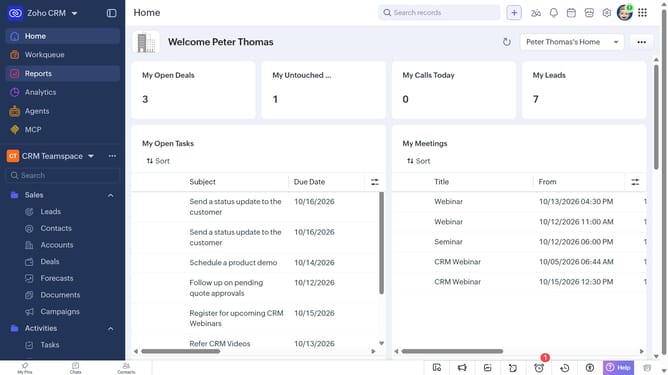
How to edit a contact on Zoho CRM
Here is how to edit a contact on zoho crm
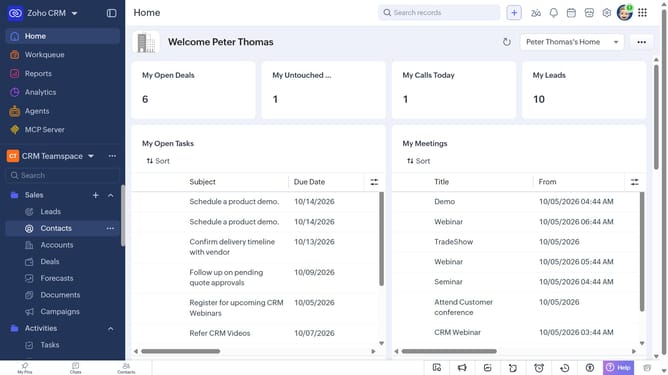
- First, click on "Contacts" in the left sidebar menu
- Next, click on the contact you want to edit to open its detail page
- After that, click on the "Edit" button
- Then, make the necessary changes to the contact details
- Finally click on the "Save" button
Why should you How to edit a contact on Zoho CRM
Zoho CRM is a powerful solution designed to streamline customer relationship management for businesses of all sizes.
Editing a contact on Zoho CRM is intuitive and empowers users to keep their customer database up-to-date effortlessly. This feature ensures that all crucial information is accurate, making interactions with clients more effective and personalized.
By using this feature, businesses can enhance communication efficiency, leading to improved customer satisfaction and stronger relationships. Maintaining accurate records also helps in making informed business decisions.
Last update