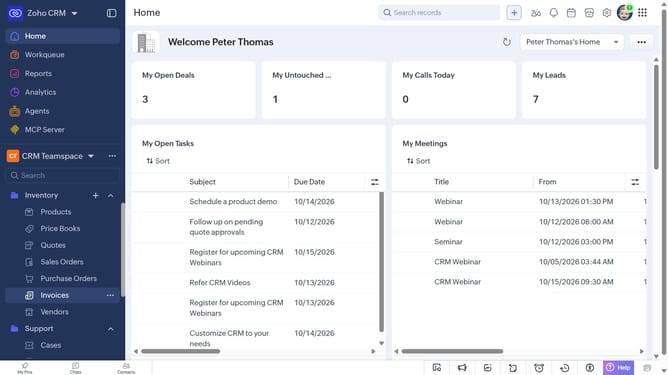
How to update the status of a task on Zoho CRM
Here is how to update the status of a task on zoho crm
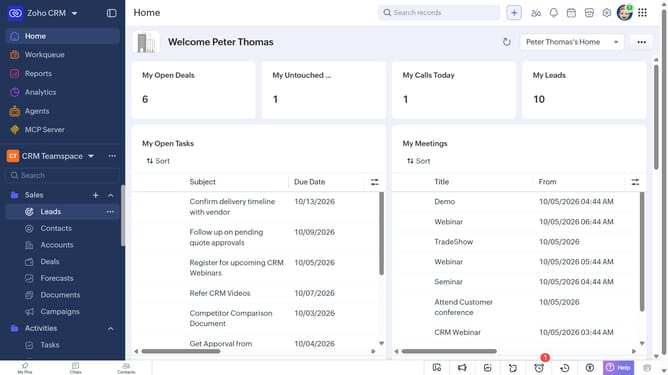
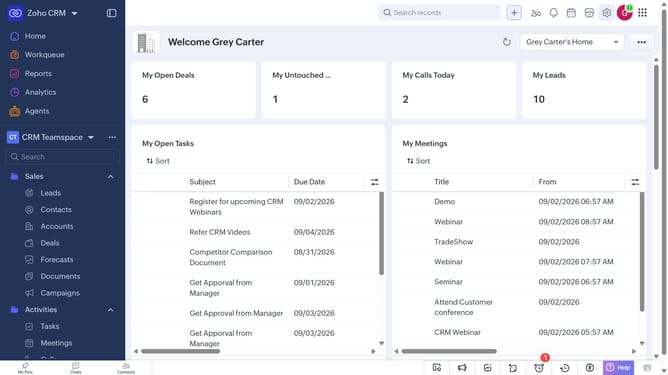
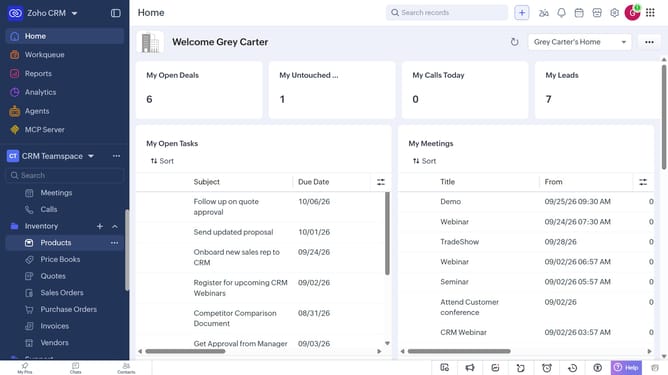
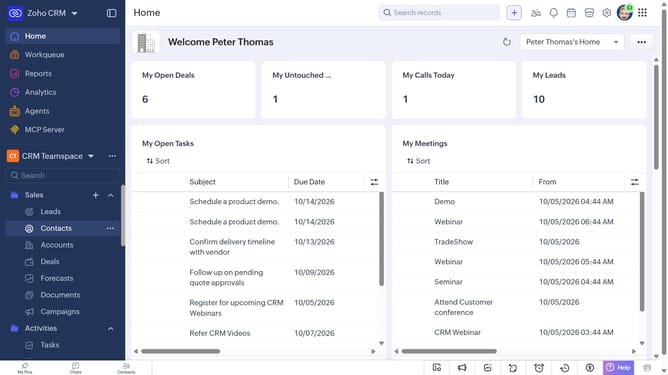
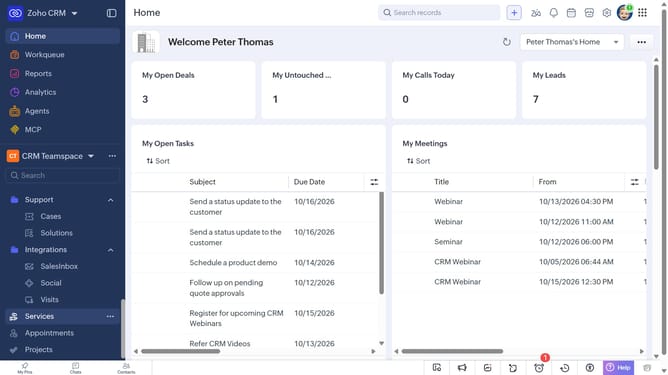
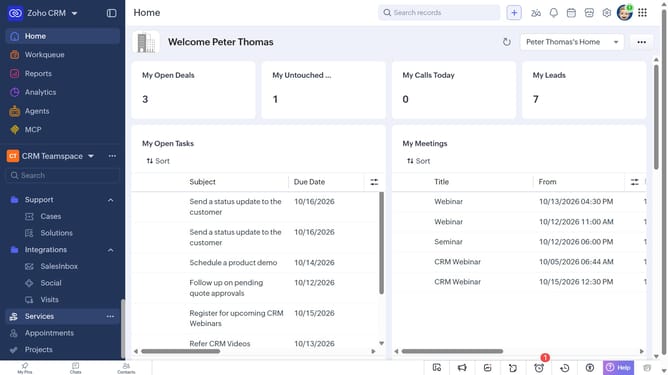
- First, click on "Tasks" in the left sidebar menu
- Next, click on the task you want to update to open it
- After that, click on the "Edit" button
- Next, locate the "Status" option
- Then, click on the dropdown and select the new status
- Finally, click on the "Save" button
Why should you How to update the status of a task on Zoho CRM
Zoho CRM is a dynamic platform designed to streamline business operations by efficiently managing customer relationships.
Updating the status of a task in Zoho CRM is an intuitive feature that enhances productivity by keeping your team aligned and informed. With a simple status update, you can signal the progress of a task, alerting team members to any changes in real-time.
This function not only fosters improved communication and collaboration but also ensures a more organized workflow. By clearly indicating task statuses, teams can prioritize their efforts, reducing misunderstandings and increasing efficiency.
Overall, updating task status in Zoho CRM is a straightforward way to maintain transparency and drive success within your projects.
Last update