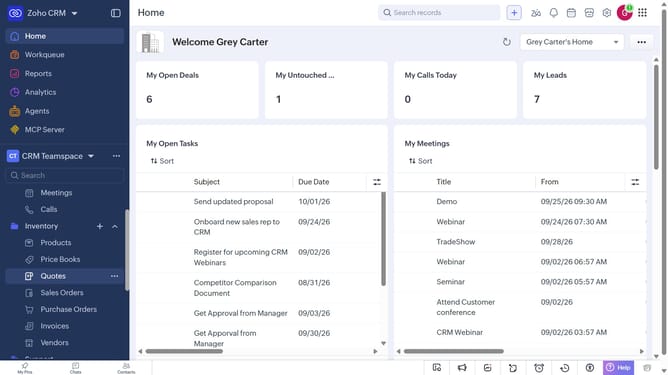
How to filter price books on Zoho CRM
Here is how to filter price books on zoho crm
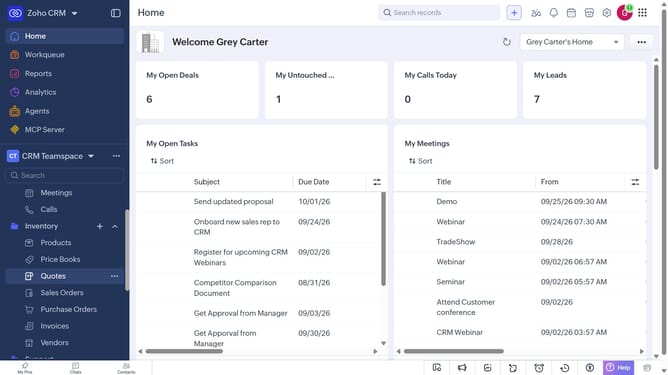
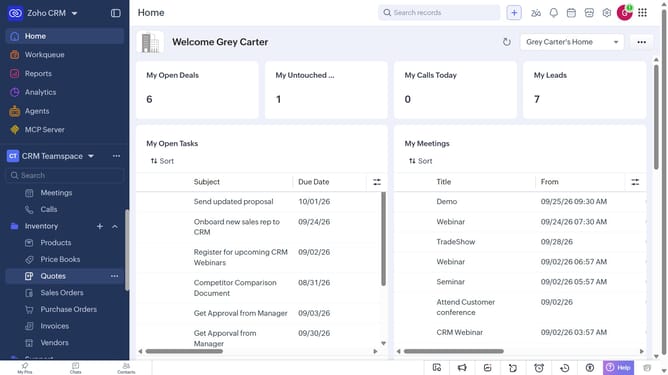
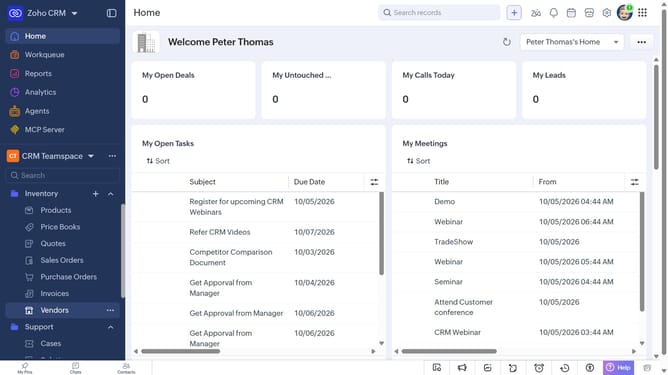
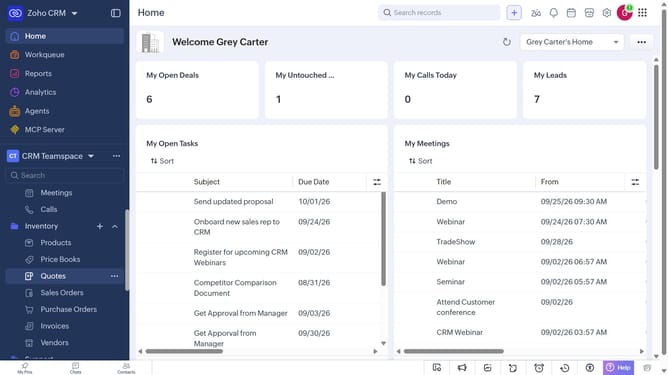
- First, click on "Price Books" under the "Inventory" section in the left sidebar menu
- Next, click on the "Filter" button in the top menu
- In the "Filter Price Books by" panel, select the options you want to filter by
- Then, set the filter condition and values
- Finally, click on the "Apply Filter" button
Why should you How to filter price books on Zoho CRM
Zoho CRM is a dynamic tool designed to streamline business processes and enhance customer relationships.
Filtering price books in Zoho CRM allows users to manage and organize pricing strategies efficiently. This feature helps you quickly sort through vast data, tailoring views to specific criteria that meet your business needs.
By using filters, you can easily compare different price books, identify trends, and make informed decisions that benefit sales strategies. It's an essential tool for maintaining clarity and focus in financial management.
Last update