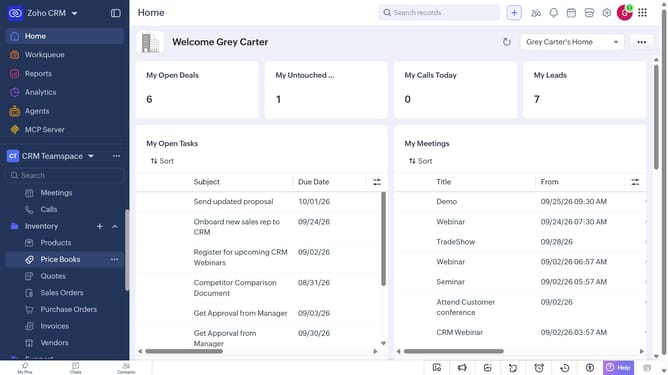
How to reassign a quote to another owner on Zoho CRM
Here is how to reassign a quote to another owner on zoho crm
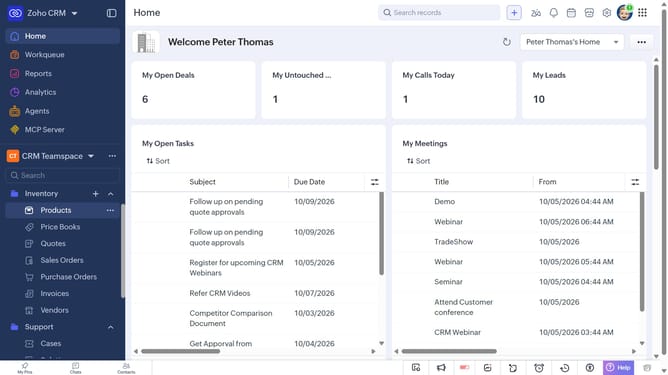
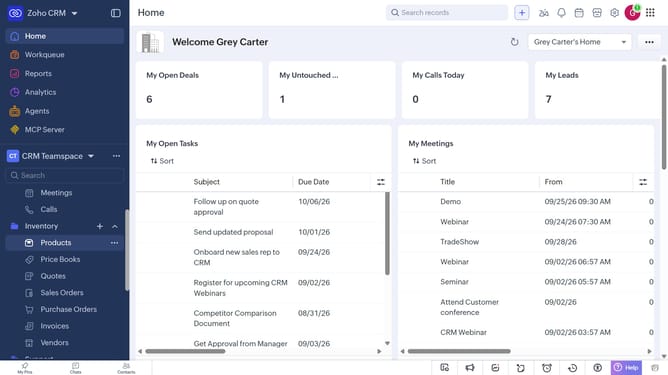
- First, click on "Quotes" under the "Inventory" section in the left sidebar menu
- Next, locate the quote whose owner you want to change
- Click on the "More options" button next to the quote
- After that, select "Change Owner" from the dropdown menu
- In the "Change Owner" modal, click on the dropdown
- Then select the new owner from the dropdown menu
- Next, check "Send Email notification" to enable alerts, or leave it unchecked
- Finally, click on the "Change Owner" button
Why should you How to reassign a quote to another owner on Zoho CRM
Zoho is a versatile CRM platform designed to streamline business processes and enhance customer relationships.
Reassigning a quote to another owner in Zoho CRM empowers teams by ensuring the right person manages client interactions. This feature enhances flexibility by allowing smooth transitions during employee shifts or role changes.
Utilizing this functionality ensures that clients experience seamless service, as their specific needs and histories are efficiently managed. It contributes to improved collaboration, better workload distribution, and ultimately, strengthens customer trust and satisfaction.
Last update