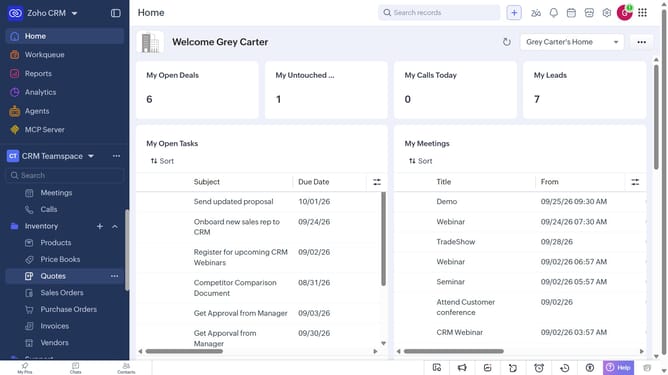
How to delete a price book on Zoho CRM
Here is how to delete a price book on zoho crm
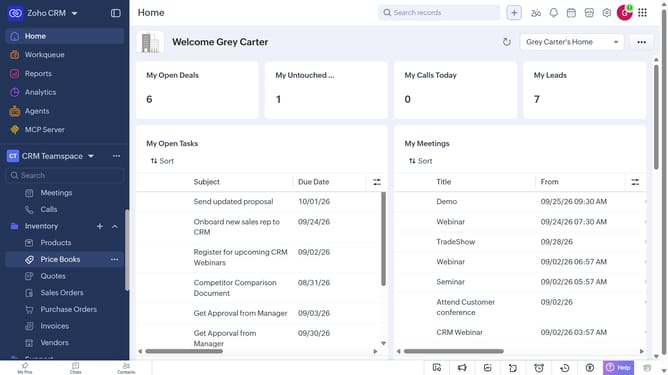
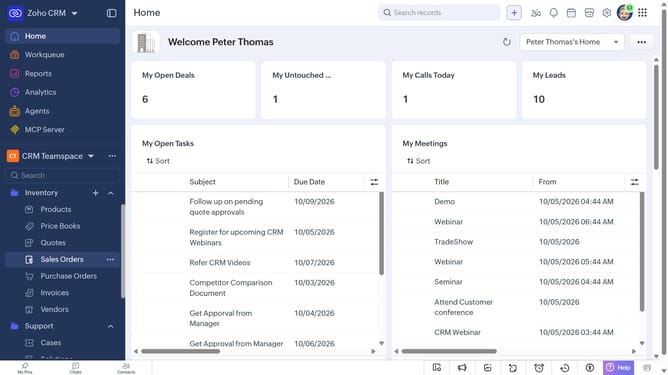
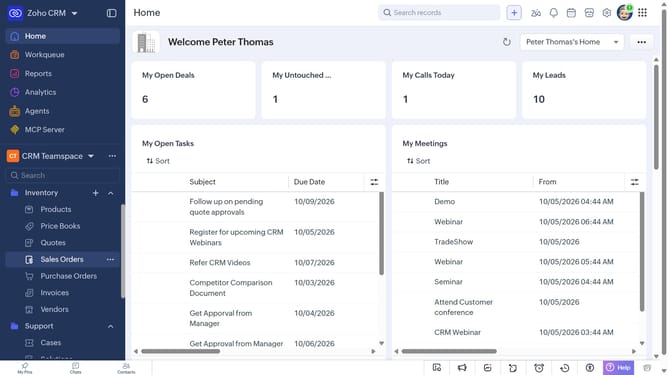
- First, click on "Price Books" under the "Inventory" section in the left sidebar menu
- Next, click on the price book you want to delete
- After that, click on the "More Options" menu
- Then, select "Delete" from the dropdown menu
- Finally, click on the "Delete" button in the confirmation dialog
Why should you How to delete a price book on Zoho CRM
Zoho is a dynamic and all-encompassing CRM platform designed to streamline business operations and enhance customer relationships.
When managing your sales data, keeping information up-to-date in Zoho CRM can save time and prevent clutter.
Deleting a price book offers a benefit by maintaining accurate pricing strategies and preventing outdated information from causing errors.
This feature allows teams to focus on relevant data, fostering efficient sales processes and better financial planning.
Last update