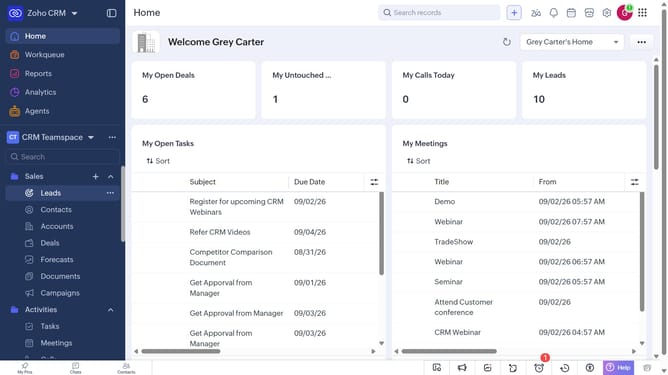
How to copy the URL of a price book on Zoho CRM
Here is how to copy the url of a price book on zoho crm
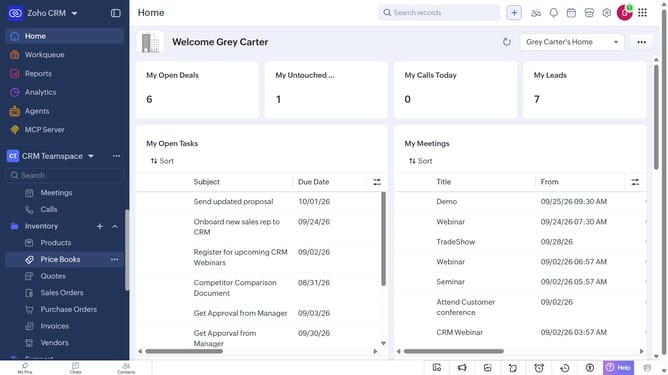
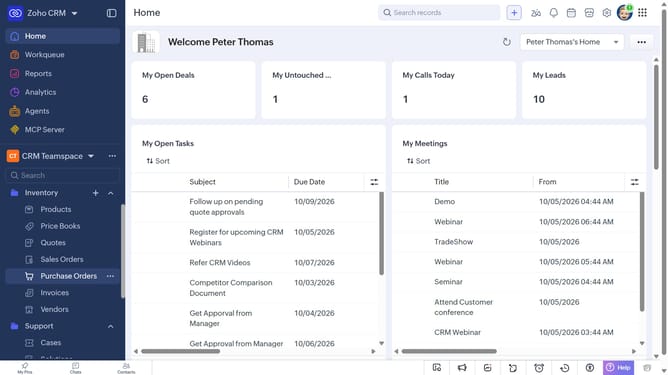
- First, click on "Price Books" under the "Inventory" section in the left sidebar menu
- Next, locate the price book whose URL you want to copy
- Then, click on the "More options" button next to the price book
- Finally, select "Copy URL" from the dropdown menu
Why should you How to copy the URL of a price book on Zoho CRM
Zoho CRM is a dynamic platform designed to streamline customer relationship management effortlessly.
Accessing the URL of a price book in Zoho CRM allows users to easily share and collaborate on pricing information with team members and stakeholders. This feature simplifies the process of distributing accurate data without needing additional tools or complex instructions.
The ability to quickly copy and share this URL ensures consistency in communication, enhances efficiency in pricing discussions, and supports informed decision-making within your organization.
Last update