How to assign a purchase order to another user on Zoho CRM
Here is how to assign a purchase order to another user on zoho crm
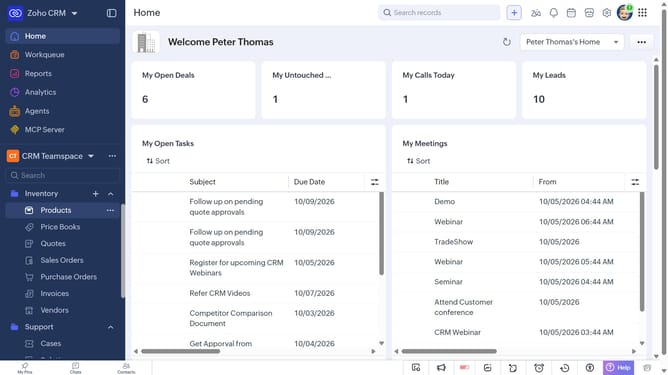
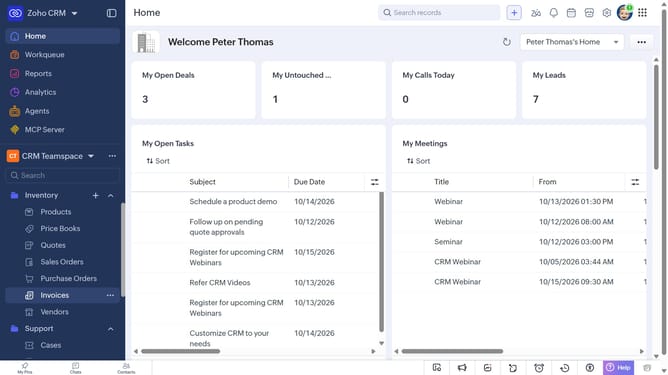
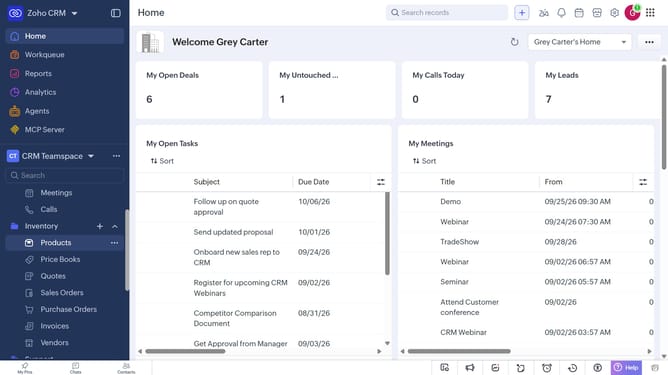
- First, click on "Purchase Orders" under "Inventory" in the left sidebar menu
- Next, locate the purchase order whose owner you want to change
- Click on the "More options" button next to the purchase order
- Select "Change Owner" from the dropdown menu
- In the "Change Owner" modal, click on the dropdown
- Then select the new owner from the dropdown menu
- Next, check "Send Email notification" to enable alerts, or leave it unchecked
- Finally, click on the "Change Owner" button
Why should you How to assign a purchase order to another user on Zoho CRM
Zoho CRM is a robust platform designed to streamline business operations by enhancing customer relationship management.
The ability to assign a purchase order to another user within Zoho CRM is a powerful feature that enhances collaboration and accountability.
By reallocating purchase orders, teams ensure that tasks are seamlessly transitioned, especially during role changes or workload balancing. This streamlines processes and boosts team efficiency by ensuring the right team member handles specific tasks.
Furthermore, this feature promotes a transparent workflow and minimizes bottlenecks, significantly improving overall productivity and team dynamics.
Last update