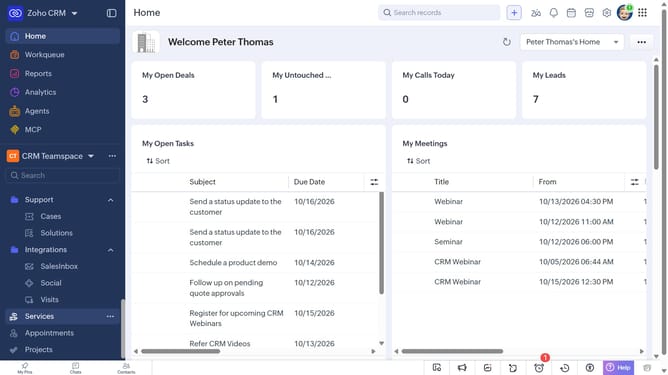
How to share a quote on Zoho CRM
Here is how to share a quote on zoho crm
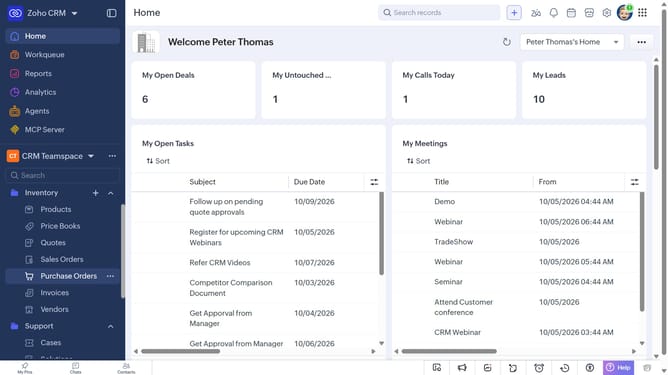
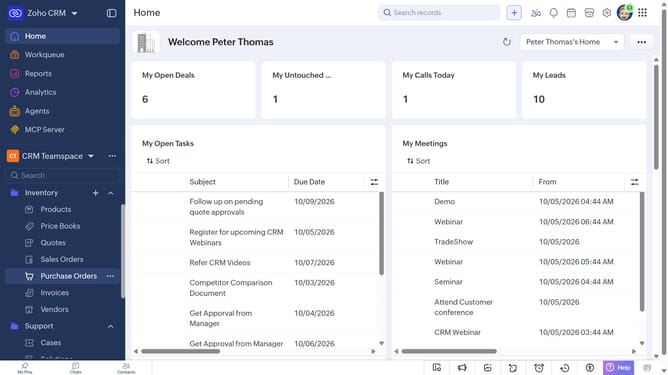
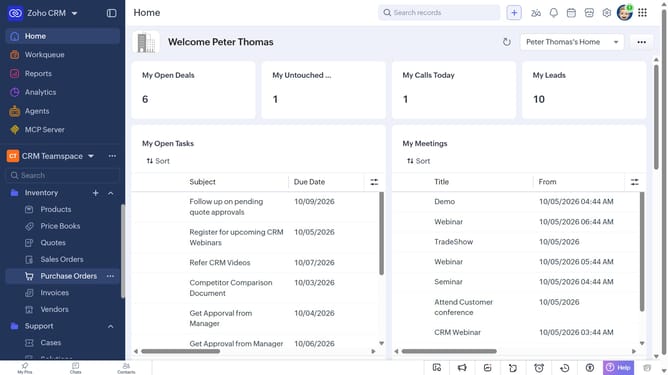
- First, click on "Quotes" under the "Inventory" section in the left sidebar menu
- Next, click on the quote you want to share
- After that, click on the "More Options" button
- Select "Share" from the dropdown menu
- Then, select the record access type
- Next, click the "Permission" dropdown
- From the dropdown menu, choose the appropriate permission level
- Finally, click on the "Share" button
Why should you How to share a quote on Zoho CRM
Zoho is a comprehensive cloud-based suite designed to streamline business operations and enhance productivity.
Sharing a quote on Zoho CRM is a seamless feature that simplifies client communication. With just a few clicks, you can efficiently send detailed quotes that keep your sales pipeline moving smoothly. This feature ensures that all stakeholders have access to essential information in real time.
Utilizing this capability not only improves collaboration within your team but also enhances the customer experience by providing clients with timely, transparent details. Ultimately, it helps foster trust and accelerates the decision-making process, driving business growth.
Last update