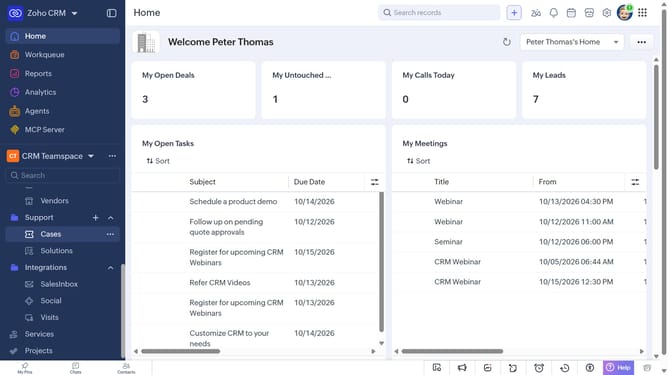
How to delete a task on Zoho CRM
Here is how to delete a task on zoho crm
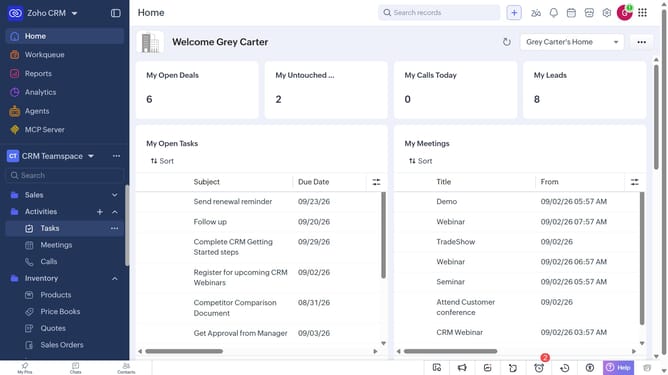
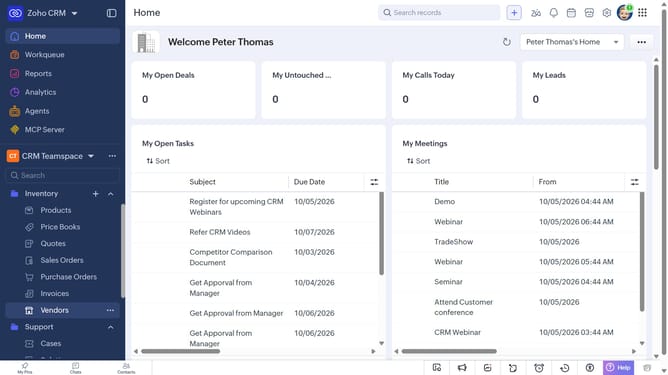
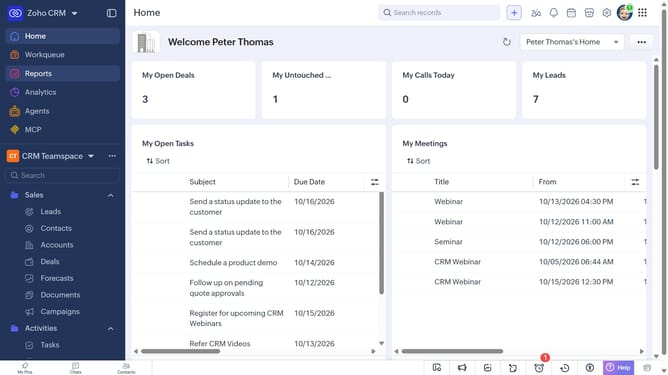
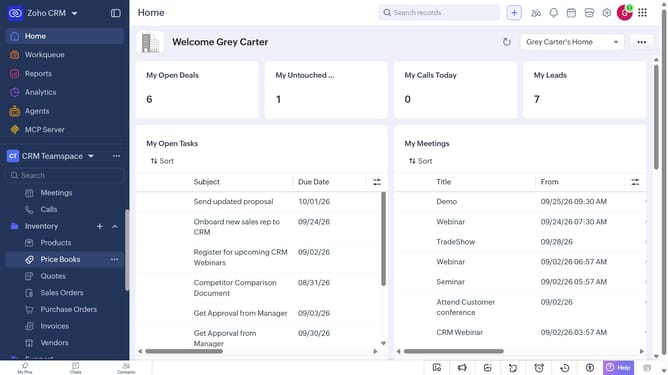
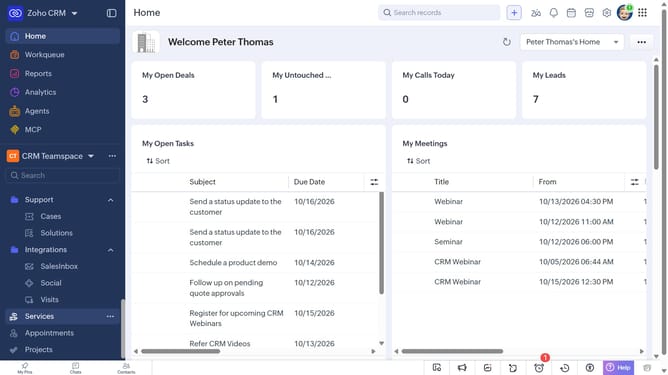
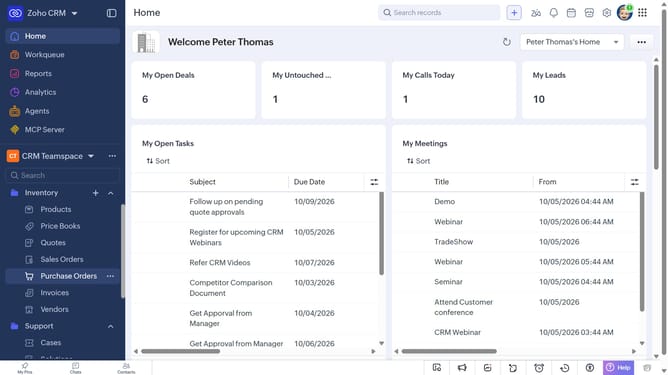
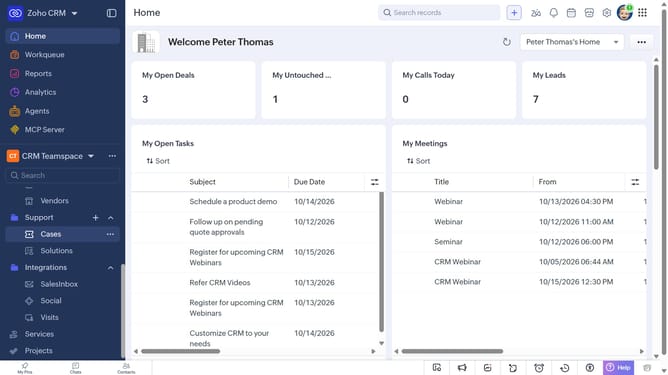
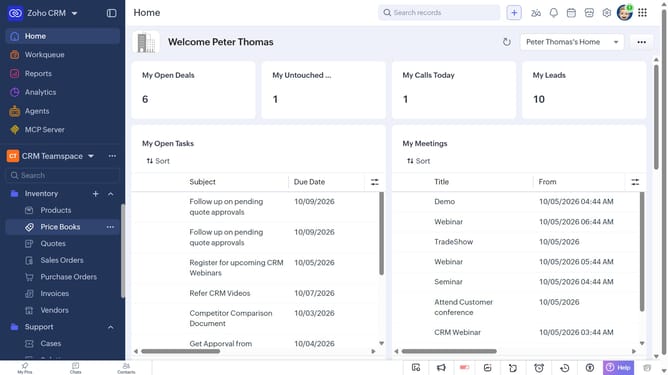
- First, click on "Tasks" in the left sidebar menu
- Next, click on the task you want to delete to open it
- After that, click on the "More Options" button
- Then select "Delete" from the dropdown menu
- Finally, click on the "Delete" button in the confirmation dialog
Why should you How to delete a task on Zoho CRM
Zoho CRM is a versatile platform designed to streamline customer relationship management for businesses.
The ability to delete a task in Zoho CRM is a straightforward feature that enhances organizational efficiency. By allowing users to remove obsolete or completed tasks, it ensures that team members maintain focus on current priorities and critical activities.
Utilizing this feature helps in keeping the workspace uncluttered, promoting better decision-making and time management. It contributes to a more organized task list, ultimately leading to improved overall productivity and a cleaner workflow.
Last update