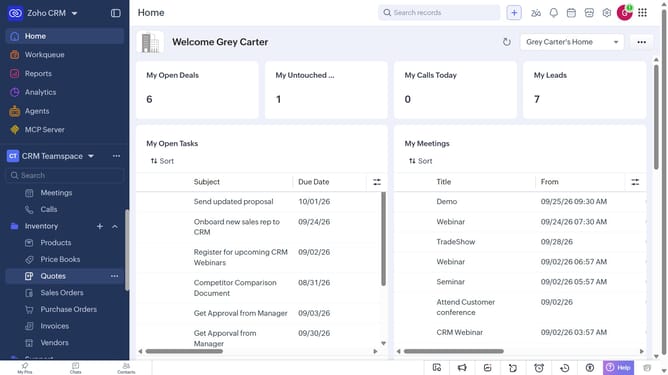
How to delete a vendor on Zoho CRM
Here is how to delete a vendor on zoho crm
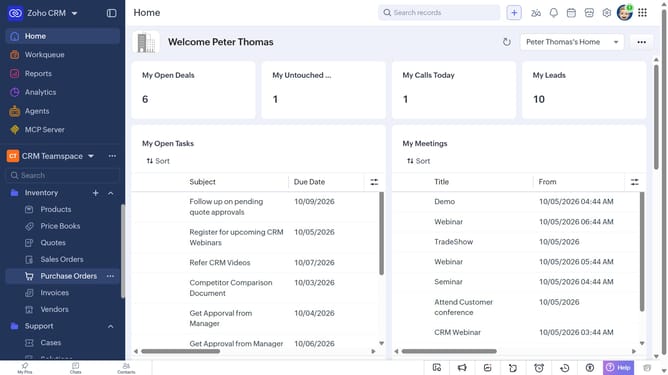
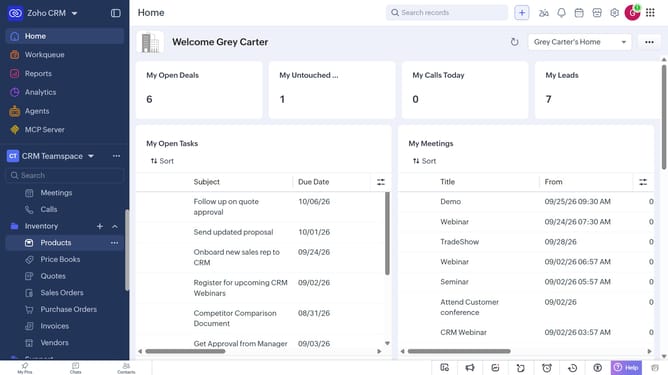
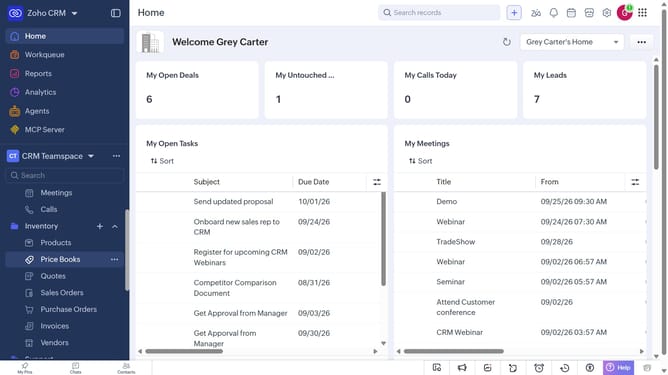
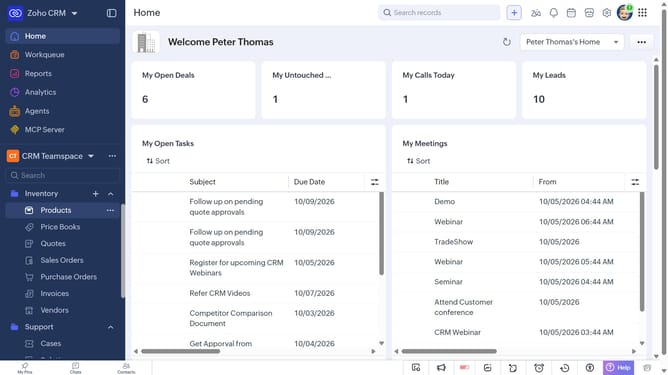
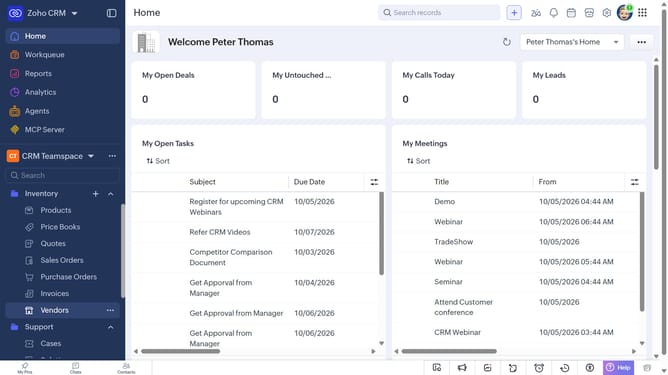
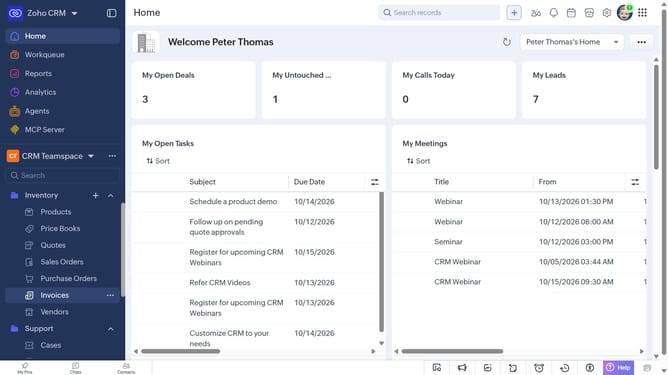
- First, click on "Vendors" under "Inventory" in the left sidebar menu
- Next, click the vendor you want to delete
- Click on the "More Options" button in the top right corner
- Then, select "Delete" from the dropdown menu
- Finally, click on the "Delete" button in the confirmation dialog
Why should you How to delete a vendor on Zoho CRM
Zoho CRM is a comprehensive tool designed to streamline your business operations with efficient customer relationship management.
The ability to delete a vendor in Zoho CRM is a valuable feature that ensures your database remains organized and clutter-free. By removing outdated or unnecessary vendor entries, you maintain a lean, efficient system that enhances productivity and focus.
Utilizing this feature helps prevent confusion and data redundancy, facilitating easier access to relevant information and more accurate reporting. It's an essential function to keep your CRM system optimized, aiding better decision-making and resource management.
Last update