How to change the pricing model of a price book on Zoho CRM
Here is how to change the pricing model of a price book on zoho crm
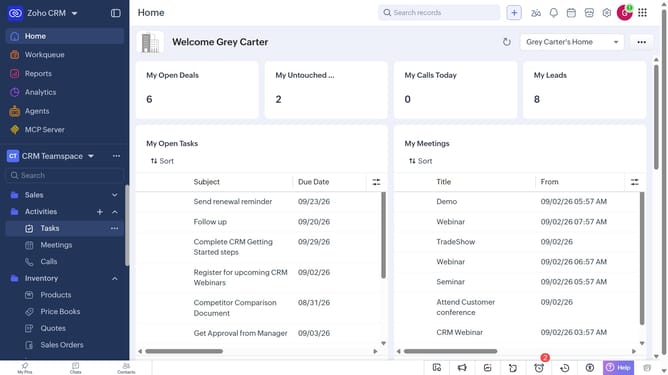
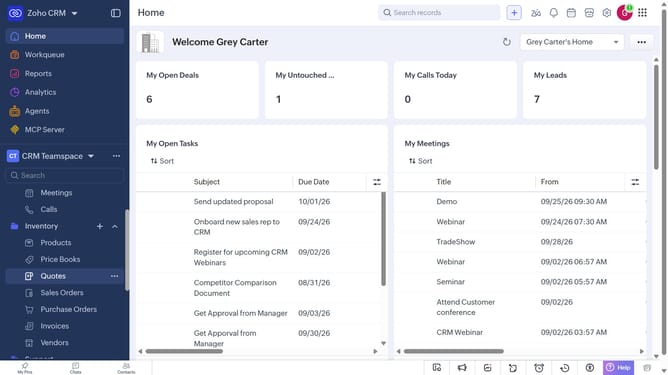
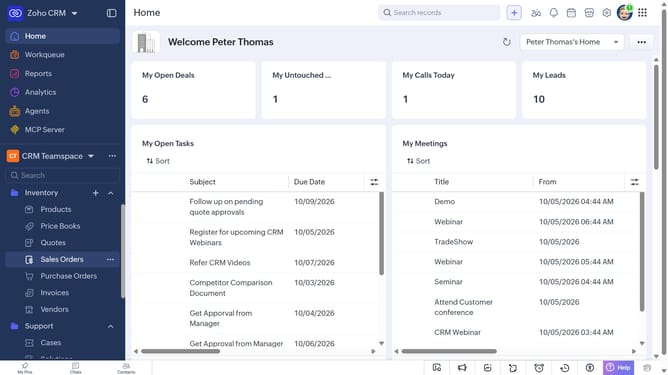
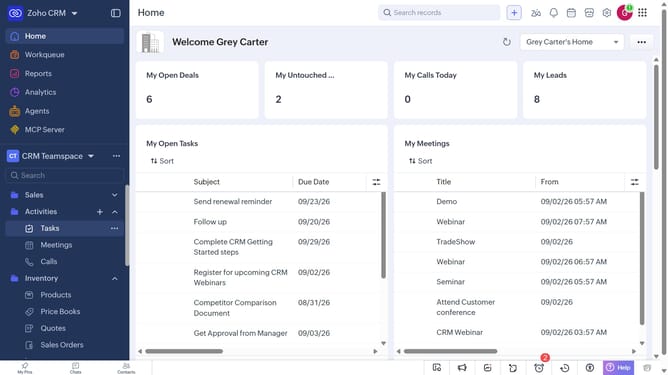
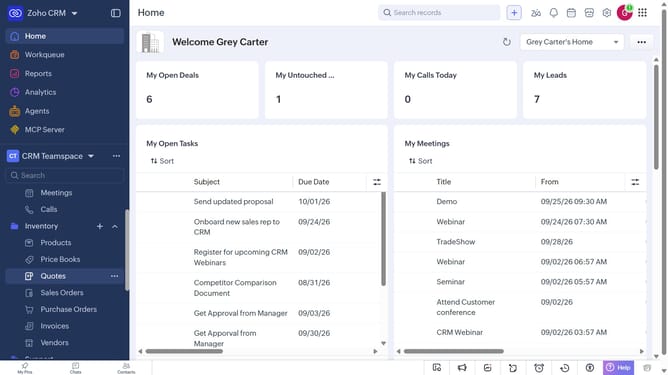
- First, click on "Price Books" under the "Inventory" section in the left sidebar menu
- Next, click on the price book you want to edit
- After that, click on the "Edit" button
- Click on the "Pricing Model" dropdown
- Then, select the new model
- If you switch to Flat or Differential, enter the Pricing Details
- Finally, click on the "Save" button
Why should you How to change the pricing model of a price book on Zoho CRM
Zoho CRM is a dynamic platform designed to streamline and enhance customer relationship management through a suite of powerful tools and features.
One standout feature is the ability to change the pricing model of a price book, allowing businesses to adapt to market demands swiftly. By altering the pricing structure, companies can ensure their offerings remain competitive and attractive to customers.
This flexibility supports strategic pricing decisions, ultimately leading to improved sales performance and customer satisfaction. Embracing such a feature can align pricing strategies with business goals, offering a pathway to sustained growth and profitability.
Last update