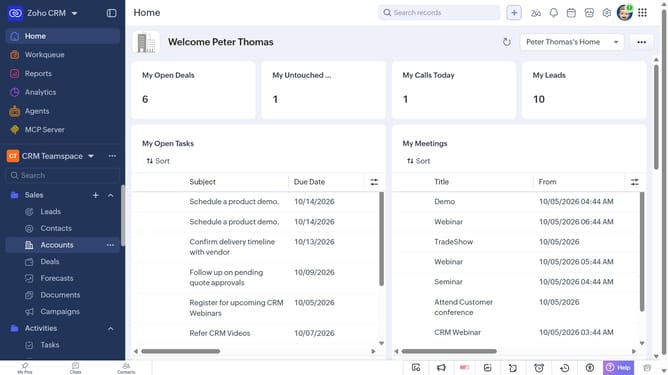
How to change the priority of a task on Zoho CRM
Here is how to change the priority of a task on zoho crm
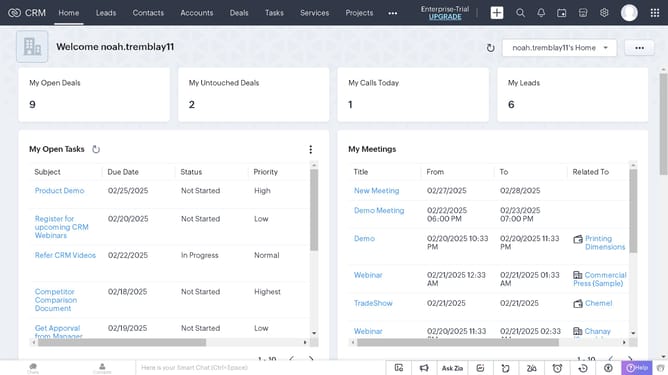
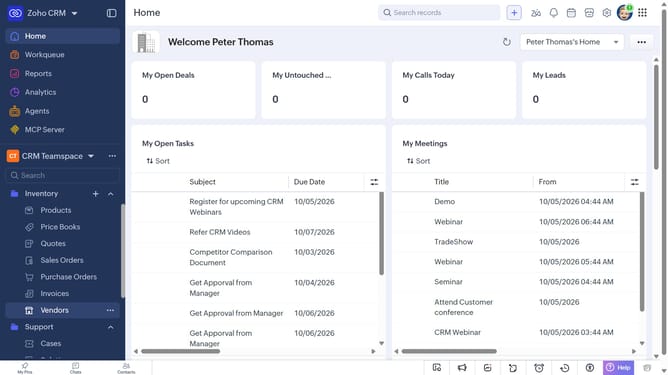
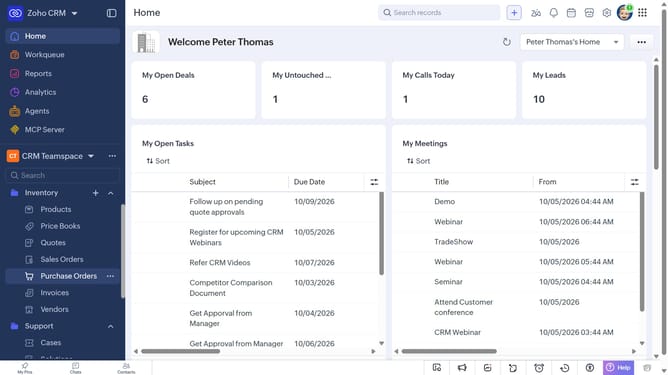
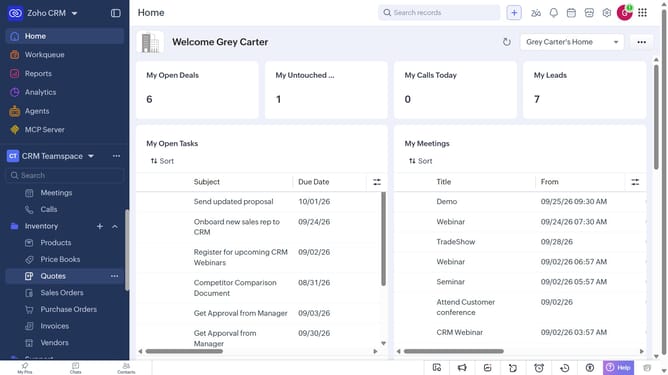
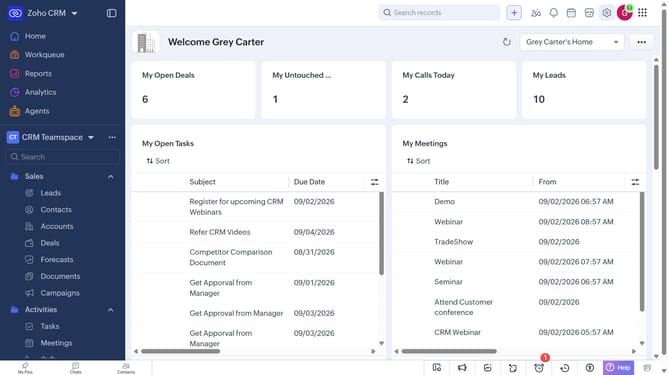
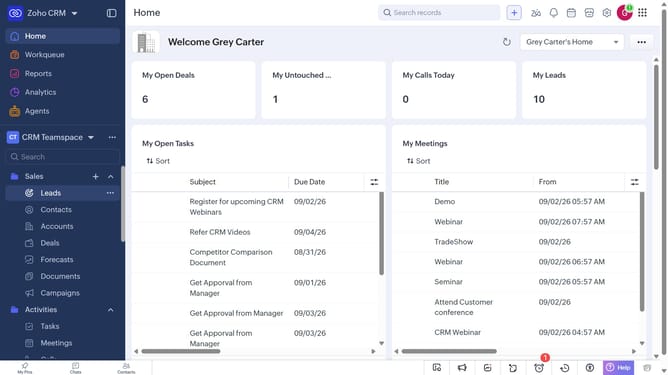
- First, click on "Tasks" in the left sidebar menu
- Next, click on the task you want to update to open it
- After that, click on the "Edit" button
- Next, locate the "Priority" option
- Then, click on the dropdown and select the desired priority from the dropdown menu
- Finally, click on the "Save" button
Why should you How to change the priority of a task on Zoho CRM
Zoho CRM is a dynamic platform designed to streamline your customer relationship management processes.
Changing the priority of a task on Zoho CRM is a powerful feature that helps you effectively manage your workflow. By adjusting priorities, you can focus on what's most critical, ensuring that your team's efforts are aligned with business goals.
This feature enhances productivity by allowing you to manage tasks based on urgency and importance, reducing response times and improving customer satisfaction. Using priority settings, you can foster a more organized and efficient work environment.
Last update