How to clone a lead on Zoho CRM
Here is how to clone a lead on zoho crm
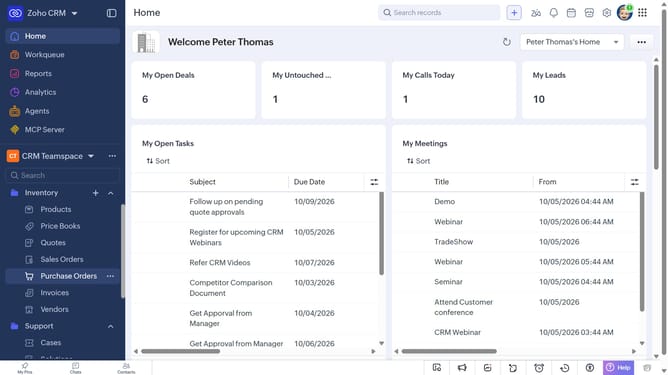
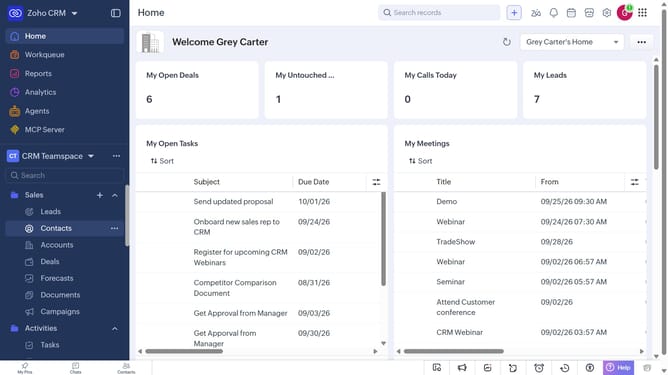
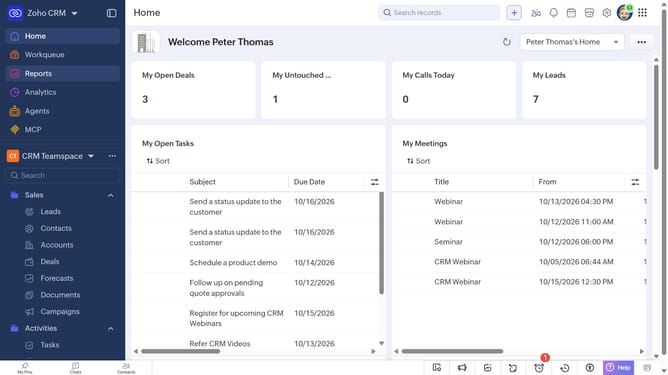
- First click on "Leads" in the left sidebar menu
- Next, click on the lead you want to clone to open its detail page
- Then click on the "More options" button
- Select "Clone" from the dropdown menu
- Then, make any changes needed to the cloned lead details
- Finally click on the "Save and New" or "Save" button
Why should you How to clone a lead on Zoho CRM
Zoho CRM is a robust platform designed to streamline business processes and enhance customer relationship management.
Cloning a lead in Zoho CRM allows you to effectively duplicate an existing lead with a single click. This feature is particularly useful when you need to create multiple similar lead profiles without manually entering the same information repeatedly.
By utilizing the clone feature, you save valuable time and reduce data entry errors. This ensures that your team can focus more on engaging with potential clients rather than administrative tasks, boosting productivity and efficiency in your lead management process.
Last update