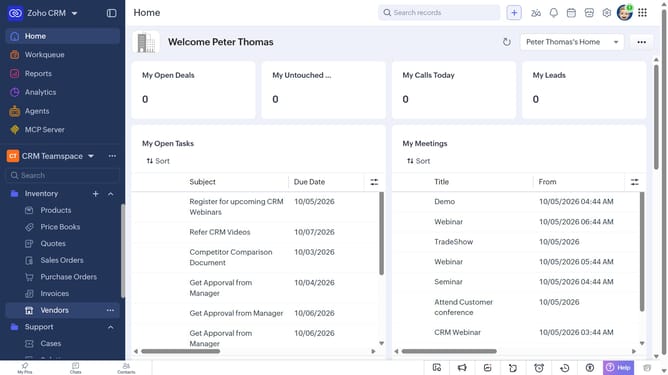
How to edit a task on Zoho CRM
Here is how to edit a task on zoho crm
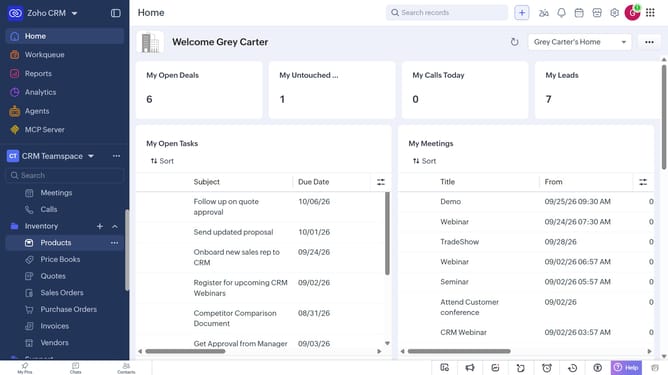
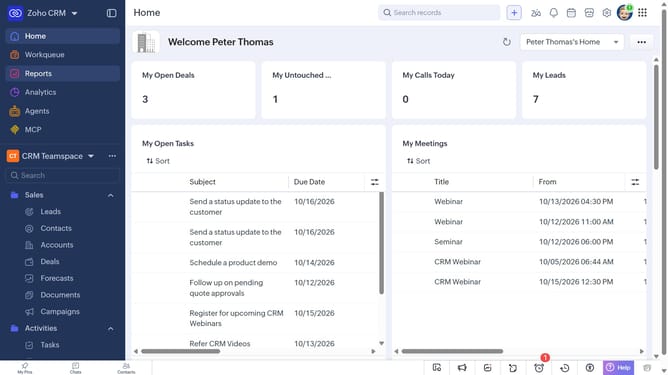
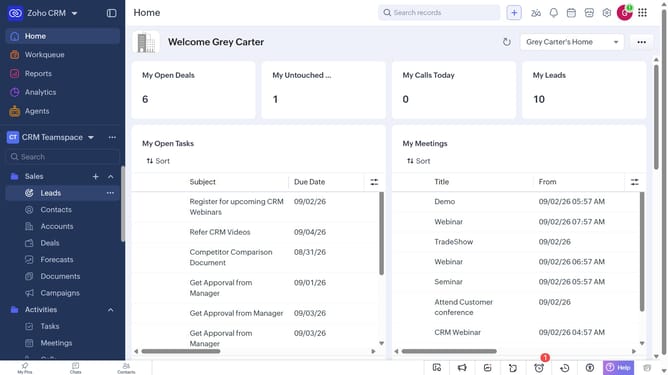
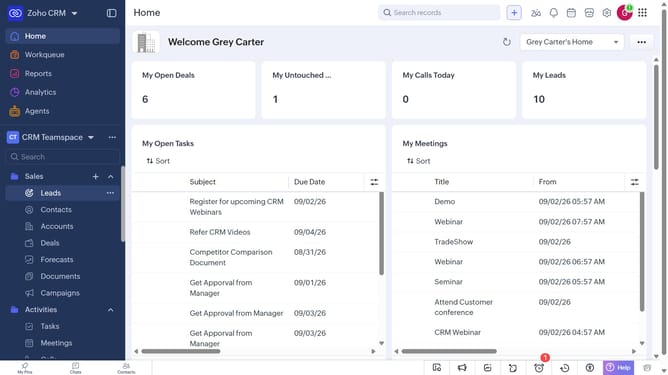
- First, click on "Tasks" in the left sidebar menu
- Next, click on the task you want to edit to open it
- After that, click on the "Edit" button
- Then, make the necessary changes to the task details
- Finally, click on the "Save" button
Why should you How to edit a task on Zoho CRM
Zoho CRM is a robust platform designed for managing customer relationships effectively and efficiently.
One of the standout features is the ability to edit tasks seamlessly. This feature enhances productivity by allowing users to quickly update details, deadlines, and priorities, which ensures tasks remain relevant and actionable.
Using this feature, teams can maintain clarity and focus on their objectives, fostering improved collaboration and streamlined workflow. By keeping tasks up-to-date, businesses can respond swiftly to changes, resulting in better customer engagement and satisfaction.
Last update