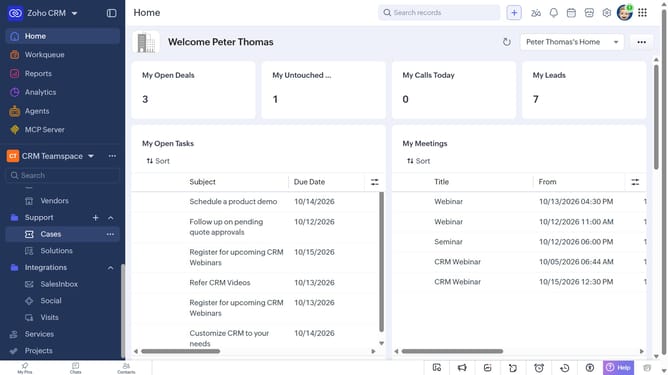
How to open the print preview for a lead on Zoho CRM
Here is how to open the print preview for a lead on zoho crm
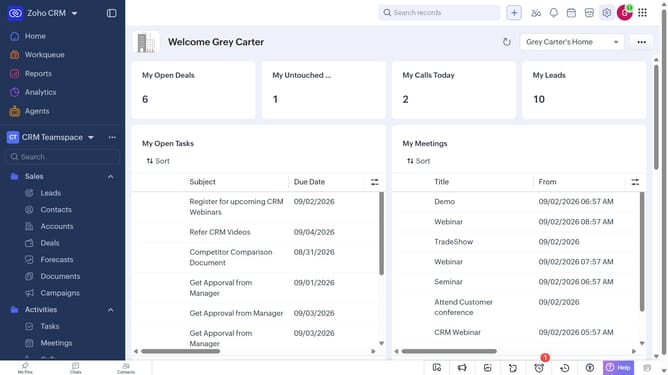
- First click on "Leads" in the left sidebar menu
- Next, click on the lead you want to preview to open its detail page
- Click on the "More options"(three dots) button in the top right corner
- Select "Print Preview" from the dropdown menu
- Then, review the lead details in the print preview
- Finally, click on the "Print" button to proceed, or close the preview to make changes
Why should you How to open the print preview for a lead on Zoho CRM
Zoho is a versatile platform designed to streamline and empower business operations with its comprehensive suite of tools.
Opening the print preview for a lead on Zoho CRM is a straightforward process that enhances the way you manage and present lead information. This feature allows you to view how lead data will appear in a printed format, ensuring accuracy and professionalism in your documents.
By using the print preview, you can catch potential formatting issues before printing. This enhances efficiency and helps maintain a high standard in your communications, ultimately supporting better decision-making and improved client interactions.
Last update