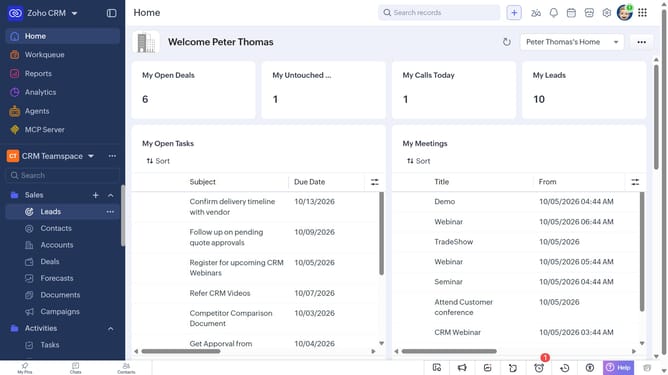
How to use a period as the number grouping separator on Zoho CRM
Here is how to use a period as the number grouping separator on zoho crm
- First click on the settings icon in the top right corner
- Click on "Personal Settings" under the "General" section
- Next, click on the pencil icon next to "Locale information"
- After that, click on the "Grouping" dropdown under "Number Format" section
- Then, select "Period" from the dropdown menu
- Finally click on the "Save" button
Why should you How to use a period as the number grouping separator on Zoho CRM
Zoho CRM is a comprehensive platform designed to streamline customer relationship management effortlessly.
In Zoho CRM, you have the flexibility to use a period as the number grouping separator, which can significantly enhance data readability and precision. This feature is particularly beneficial if you're accustomed to European or other international numerical standards.
Using a period as the separator can reduce confusion and improve comprehension for teams working across different regions. This customizability ensures that your CRM data aligns perfectly with your local preferences, fostering clearer communication and efficiency.
Last update