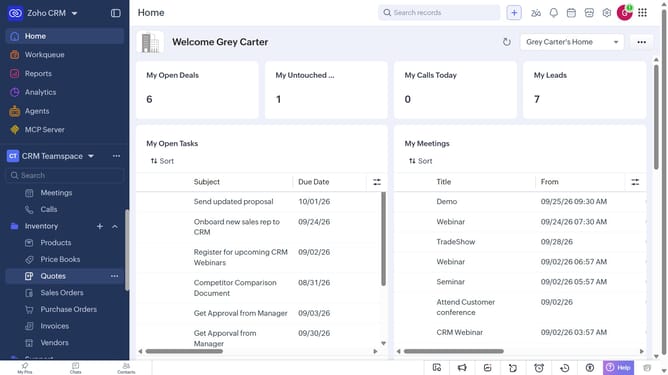
How to export meetings as a CSV file on Zoho CRM
Here is how to export meetings as a csv file on zoho crm
- First, click on "Meetings" in the left sidebar menu
- Next, click on the three dots icon next to "Create Meeting" button
- Select "Export Meetings" from the dropdown menu
- In the "Export Meeting" dialog, click on the "Fields to Export" dropdown
- From the dropdown menu, choose whether to export all leads or only the fields from custom view
- After that, select the "CSV" option as the file type
- Next, click on the "Charset" dropdown menu and select the desired encoding
- Then, toggle the "Set Password" switch on or leave it off
- Finally click on the "Export" button
Why should you How to export meetings as a CSV file on Zoho CRM
Zoho CRM is a comprehensive platform designed to streamline business processes and elevate customer relationships.
One notable feature of Zoho CRM is the ability to export meetings as a CSV file. This functionality offers users an organized way to manage and analyze meeting data efficiently.
By exporting meetings, users can seamlessly integrate data into external applications, enhance reporting accuracy, and drive strategic decisions. It’s an excellent tool for maintaining records and improving workflow efficiency.
Last update