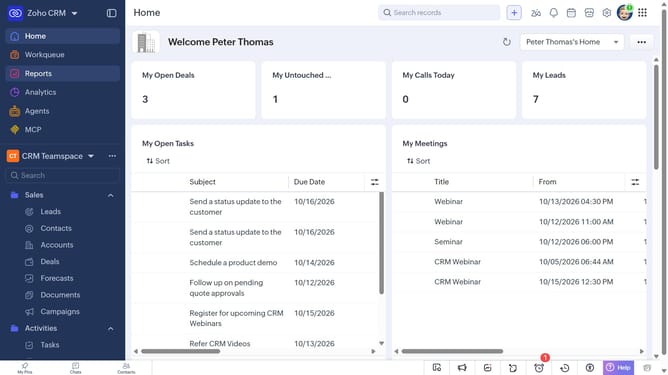
How to clone a task on Zoho CRM
Here is how to clone a task on zoho crm
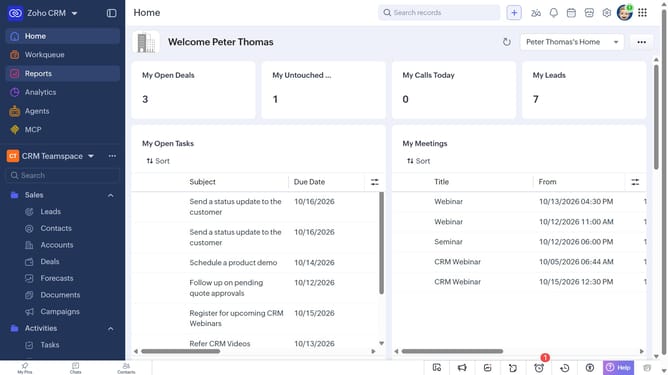
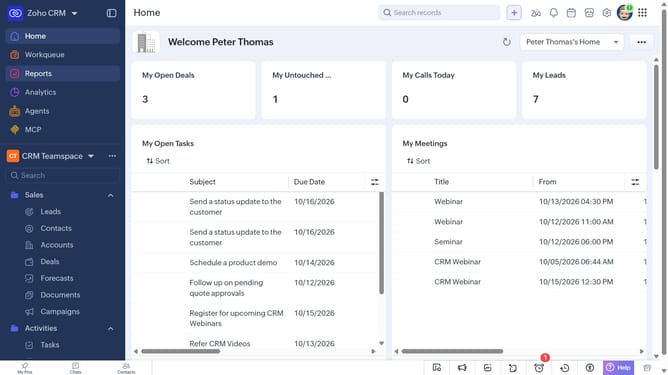
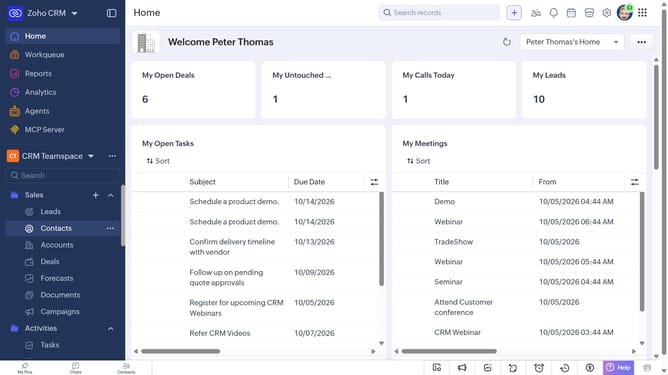
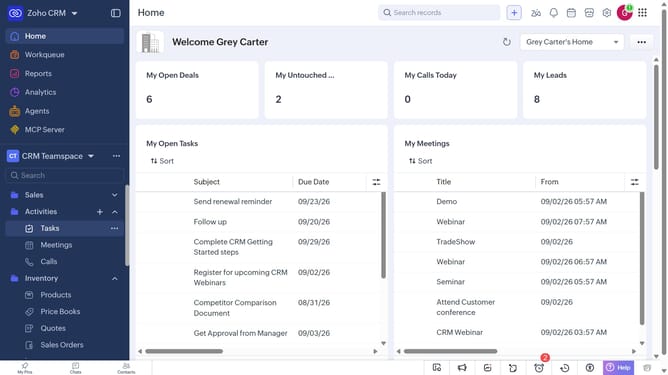
- First, click on "Tasks" in the left sidebar menu
- Next, click on the task you want to clone to open it
- After that, click on the "More Options" (three dots) button
- Select "Clone" from the dropdown menu
- Then, make any changes needed to the cloned task details
- Finally, click on the "Save" button
Why should you How to clone a task on Zoho CRM
Zoho CRM is a dynamic platform designed to streamline customer relationship management for businesses of all sizes.
The "clone a task" feature in Zoho CRM allows users to effortlessly replicate existing tasks, saving time and maintaining consistency across processes.
This functionality is particularly useful when dealing with repetitive or similar tasks, ensuring that no detail is overlooked while reducing manual input.
By cloning tasks, you can enhance productivity, improve accuracy, and focus on more strategic activities without constant reinvention of task structures.
Last update