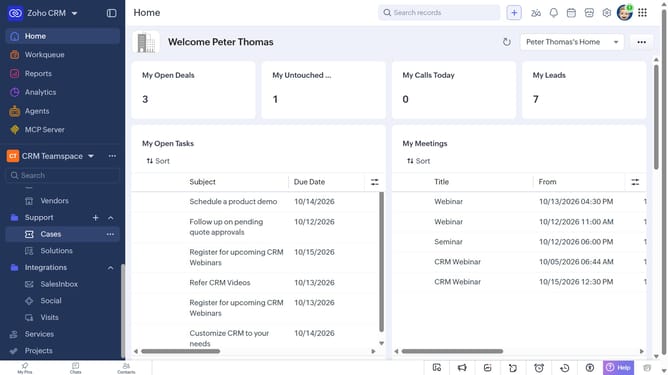
How to share a task on Zoho CRM
Here is how to share a task on zoho crm
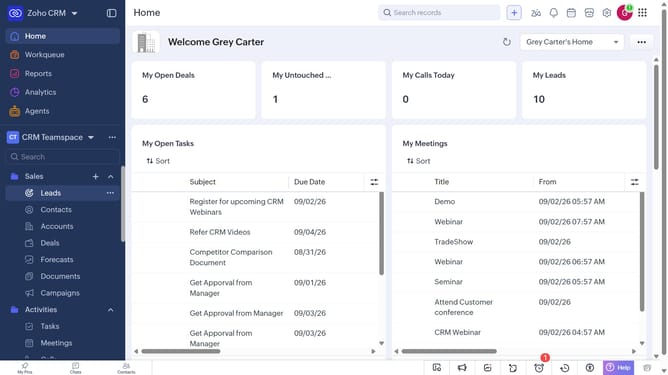
- First, click on "Tasks" in the left sidebar menu
- Next, click on the task you want to share to open it
- After that, click on the "More Options" button
- Select "Share" from the dropdown menu
- Next, select the record access type (Private or Public)
- If you select "Private", select the members you want to share the task with
- Then, click the "Permission" dropdown
- From the dropdown menu, choose the appropriate permission level
- Finally, click on the "Share" button to confirm
Why should you How to share a task on Zoho CRM
Zoho is a comprehensive suite designed to streamline business processes effectively.
Sharing a task on Zoho CRM is seamless, allowing team members to collaborate efficiently. This feature enhances transparency and ensures everyone stays updated on project statuses.
By sharing tasks, teams can align priorities and distribute workloads effectively, fostering a more synchronized workflow. This not only boosts productivity but also cultivates a culture of collaboration and accountability.
Ultimately, it empowers teams to achieve goals more swiftly and with enhanced coordination.
Last update