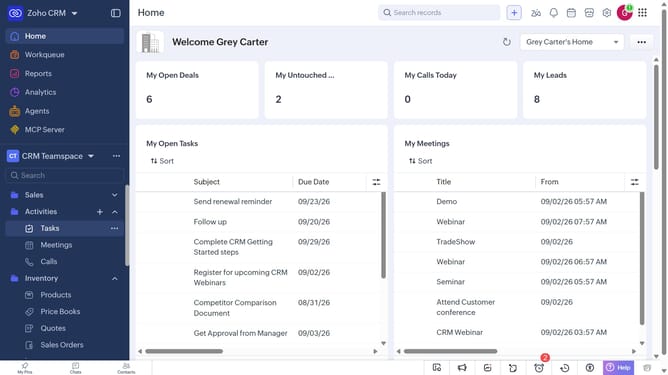
How to set the time format to 12 Hours on Zoho CRM
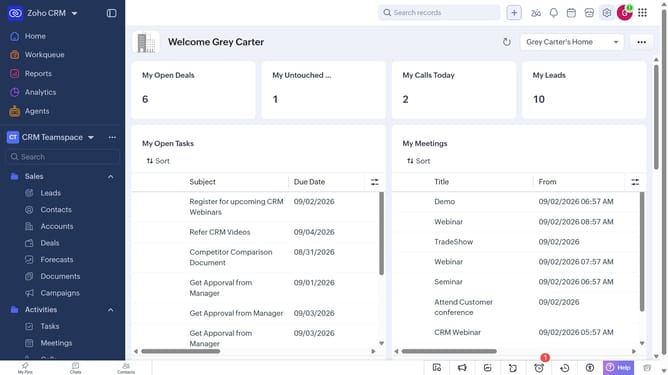
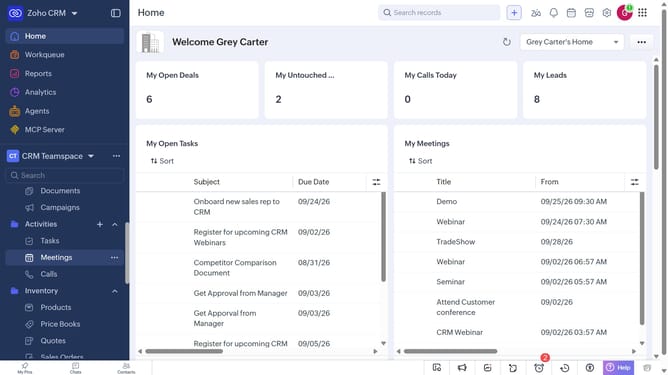
Here is how to set the time format to 12 hours on zoho crm
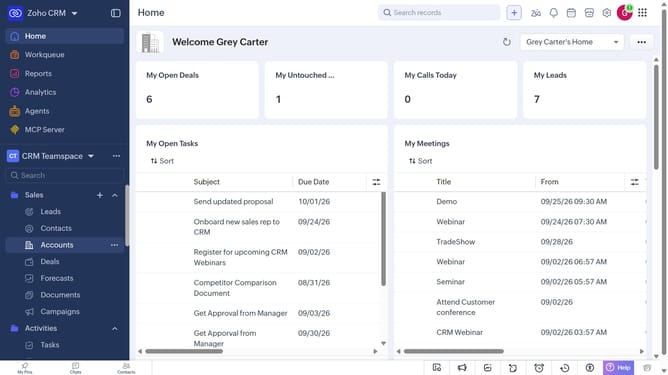
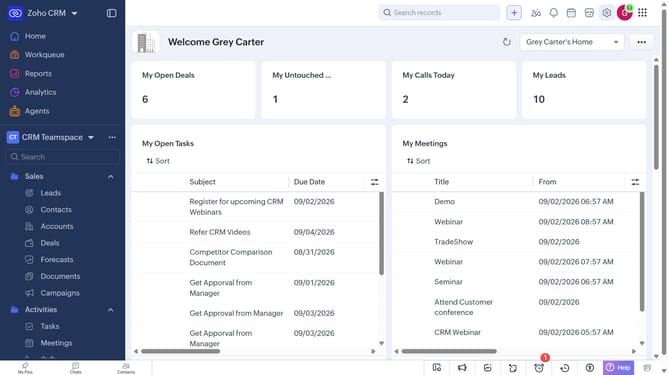
- First click on the settings icon in the top right corner
- Click on "Personal Settings" under the "General" section
- Next, click on the pencil icon next to "Locale information"
- After that, click on the "Time Format" dropdown
- Then, select "12 Hours" from the dropdown menu
- Finally click on the "Save" button
Why should you How to set the time format to 12 Hours on Zoho CRM
Zoho CRM is an innovative platform designed to streamline customer relationship management, helping businesses nurture and connect with their clients more effectively.
Customizing the time format to 12 hours in Zoho CRM adds a layer of ease and comfort for users familiar with the AM/PM system. This feature simplifies scheduling and reduces confusion, ensuring clarity in communication across diverse teams. It provides a user-centric approach, enhancing usability and personalizing the experience.
By aligning with familiar time settings, users can focus more on productivity and collaboration, fostering a more intuitive workflow within the CRM environment.
Last update