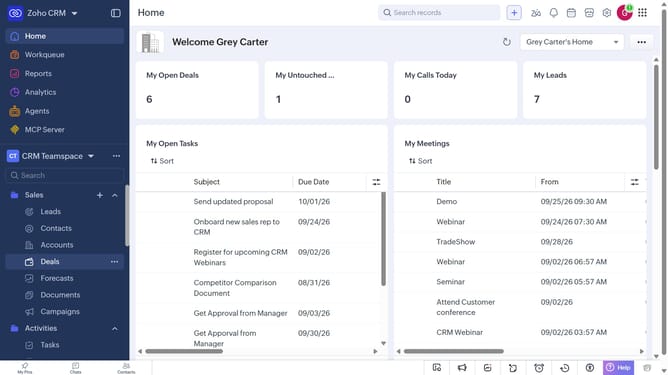
How to change the sort order preference for names on Zoho CRM
Here is how to change the sort order preference for names on zoho crm
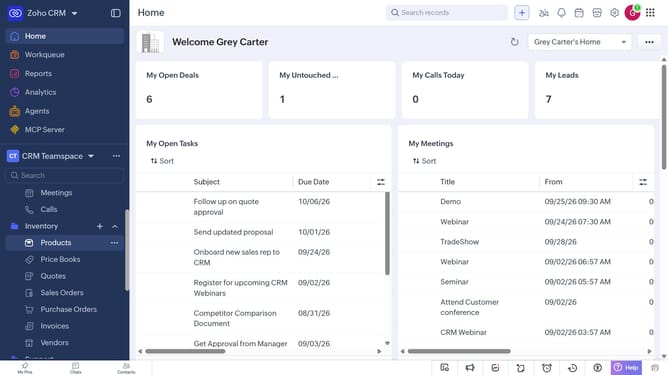
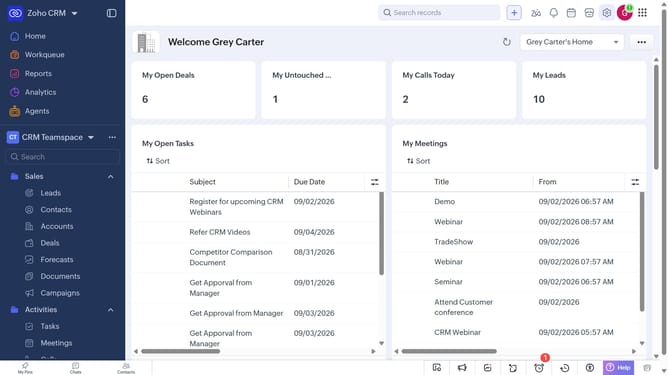
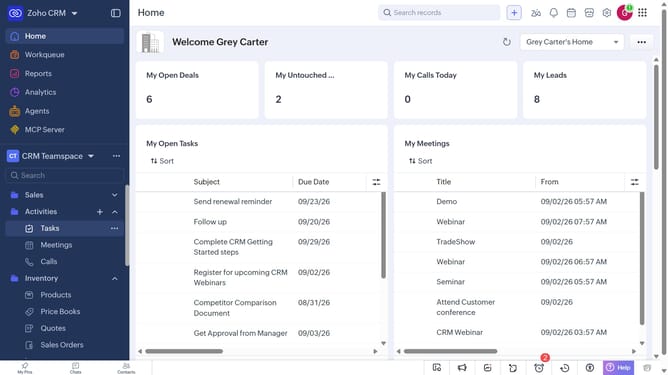
- First click on the settings icon in the top right corner
- Click on "Personal Settings" under the "General" section
- Next, scroll down to the "Display Name Format & Preferences" section
- Then click on the "Sort order preference" dropdown
- Finally, select your preferred sort order from the dropdown menu
Why should you How to change the sort order preference for names on Zoho CRM
Zoho is a versatile platform designed to streamline business processes and enhance customer relationship management.
Within Zoho CRM, the ability to change the sort order preference for names is a feature that adds convenience and efficiency. This customization allows users to organize their contact lists in a manner that fits their unique needs, ensuring quick access to information. By tailoring the display order, you can prioritize viewing contacts in a way that enhances productivity and communication.
Utilizing this feature can lead to more efficient searches and a better-organized workflow. It helps teams stay aligned and maintain a clear overview of client relationships, contributing to improved decision-making and teamwork. With a personalized approach, Zoho CRM supports your business goals seamlessly.