How to use a period as the decimal separator on Zoho CRM
Here is how to use a period as the decimal separator on zoho crm
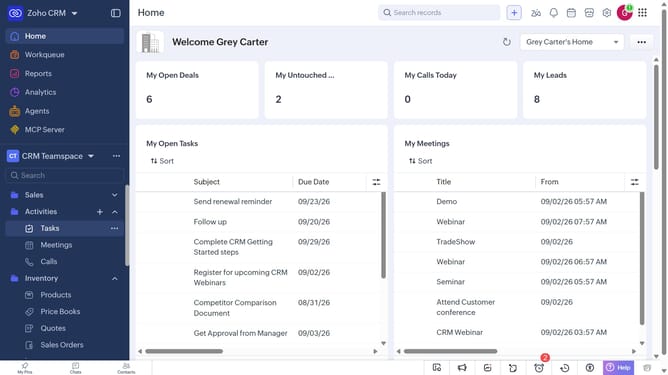
- First click on the settings icon in the top right corner
- Click on "Personal Settings" under the "General" section
- Next, click on the pencil icon next to "Locale information"
- After that, click on the "Decimal" dropdown under "Number Format" section
- Then, select "Period" from the dropdown menu
- Finally click on the "Save" button
Why should you How to use a period as the decimal separator on Zoho CRM
Zoho is an all-encompassing suite designed to streamline your business operations with ease.
One noteworthy feature of Zoho CRM is the ability to use a period as the decimal separator. This customization aligns with international numerical formats, ensuring global consistency and reducing data entry errors.
Implementing this feature enhances clarity in financial reports and analytics by maintaining uniformity across documents. It aids in smoother communication with international partners, providing a seamless workflow and improving overall efficiency.
Last update