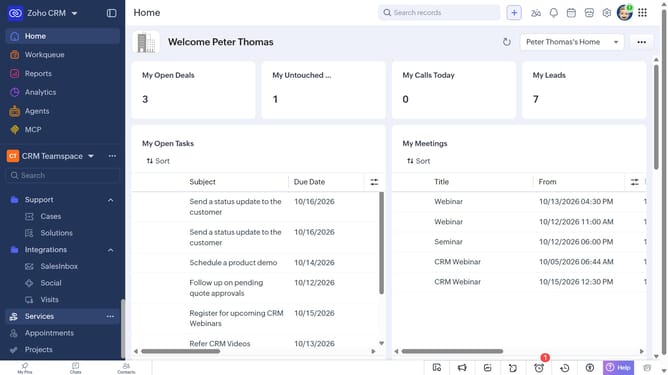
How to print preview a deal on Zoho CRM
Here is how to print preview a deal on zoho crm
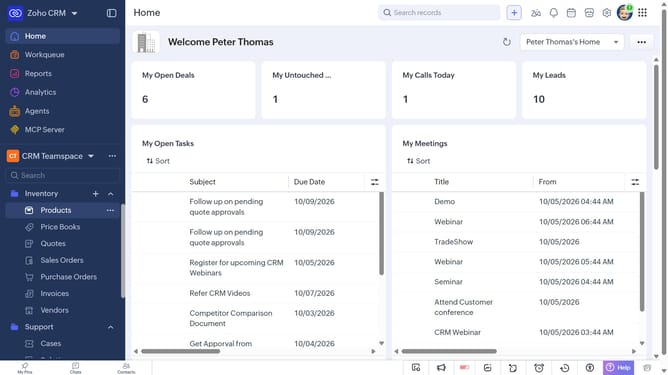
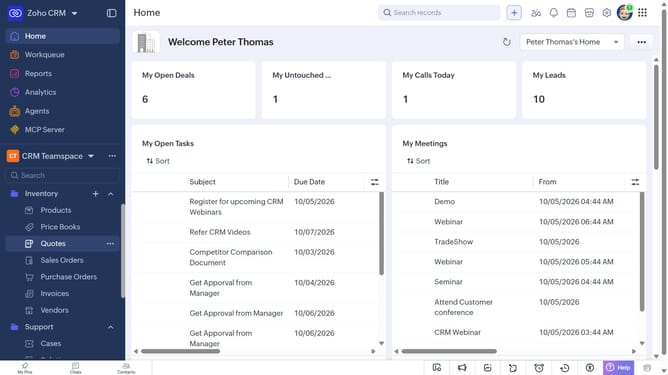
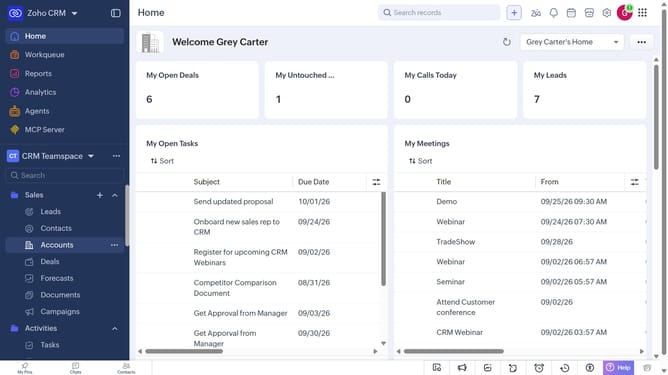
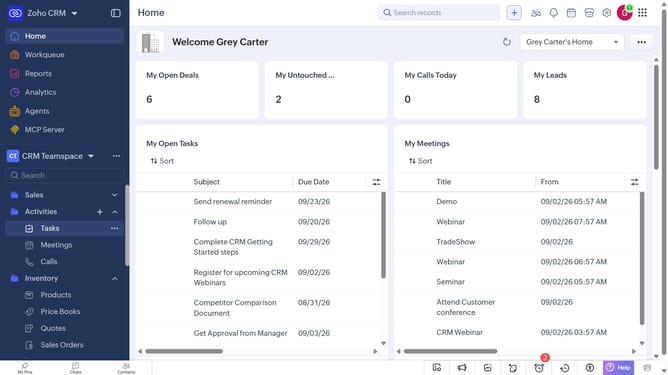
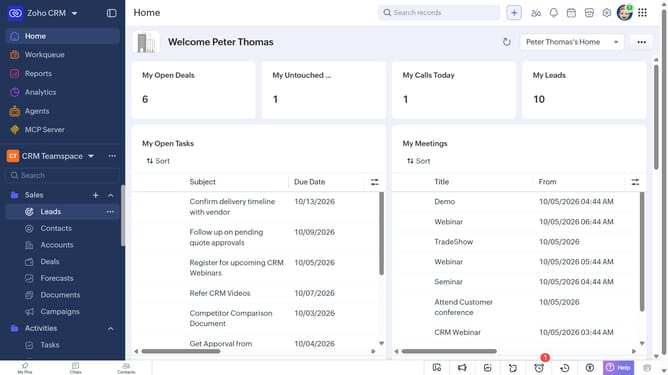
- First, click on "Deals" in the left sidebar menu
- Next, click on the deal you want to preview
- After that, click on the "More Options" button
- Then select "Print Preview" from the dropdown menu
Why should you How to print preview a deal on Zoho CRM
Zoho CRM is a versatile platform designed to streamline your customer relationship management process.
Print previewing a deal on Zoho CRM is a crucial feature that allows you to easily visualize your data before taking any actions. This helps ensure that all the details are accurately captured and ready for sharing or archiving.
By using the print preview feature, you can identify any discrepancies or necessary edits before finalizing documents, reducing errors and saving time. This capability enhances clarity, improves collaboration with your team, and boosts overall efficiency in managing client interactions.
Last update