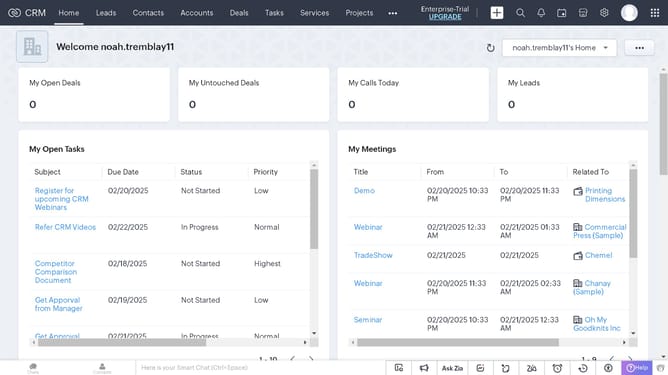
How to close a task on Zoho CRM
Here is how to close a task on zoho crm
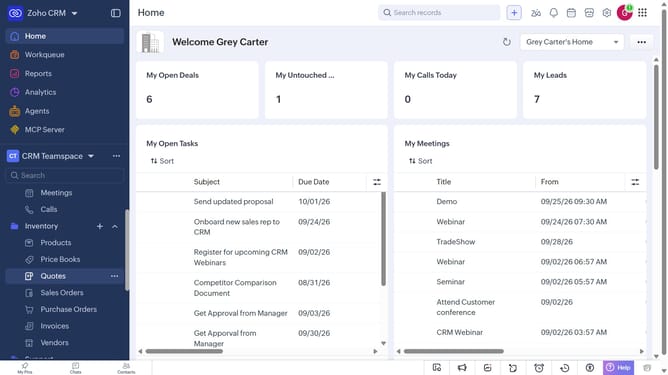
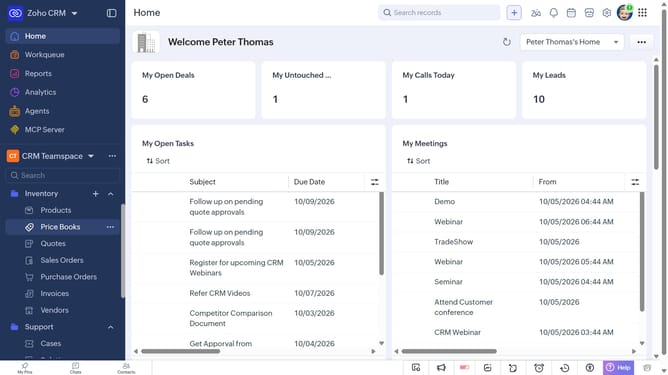
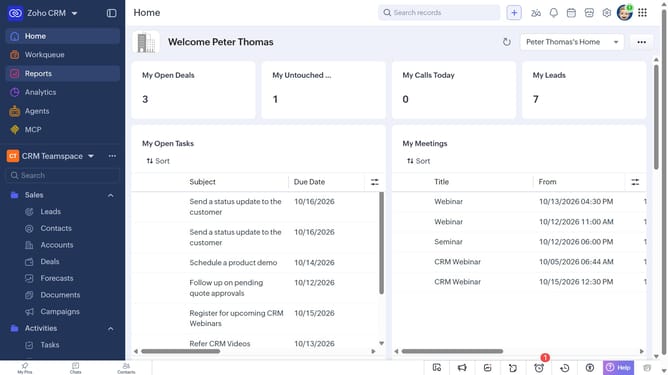
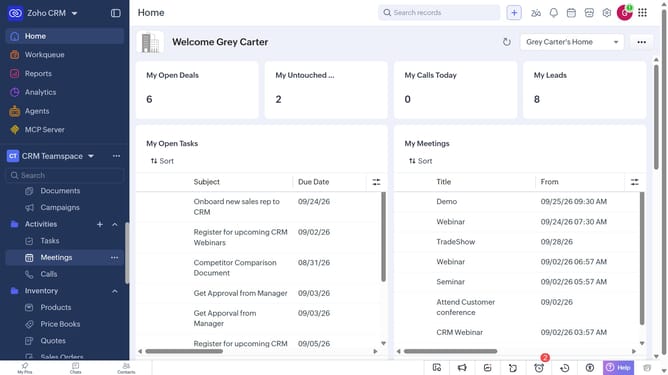
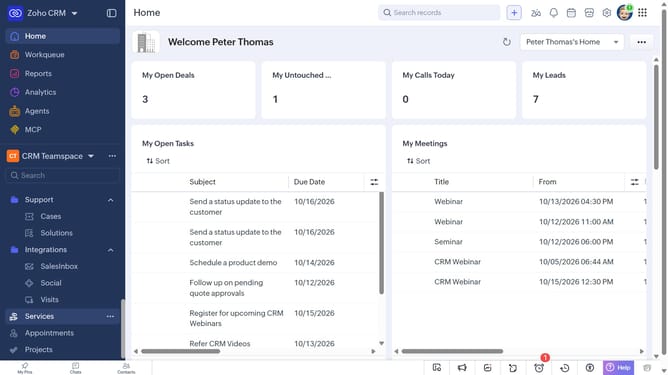
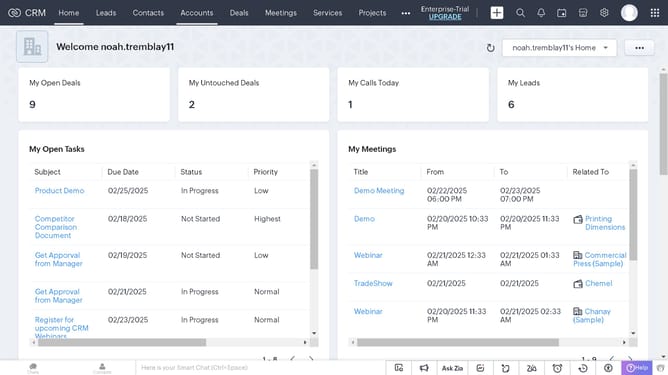
- First, click on "Tasks" in the left sidebar menu
- Next, click on the task you want to close to open it
- Then, click on the "Close Task" button
- Finally, click on the "Mark as Completed" button in the confirmation dialog
Why should you How to close a task on Zoho CRM
Zoho CRM is a powerful platform designed to streamline customer relationship management for businesses of all sizes.
Closing a task in Zoho CRM is a straightforward feature that enhances productivity by helping users mark tasks as complete with ease.
Utilizing this feature allows teams to track progress efficiently, ensuring that nothing falls through the cracks.
As a result, users enjoy better organization and a clearer overview of their workload, leading to improved time management and increased focus on priority tasks.
Last update