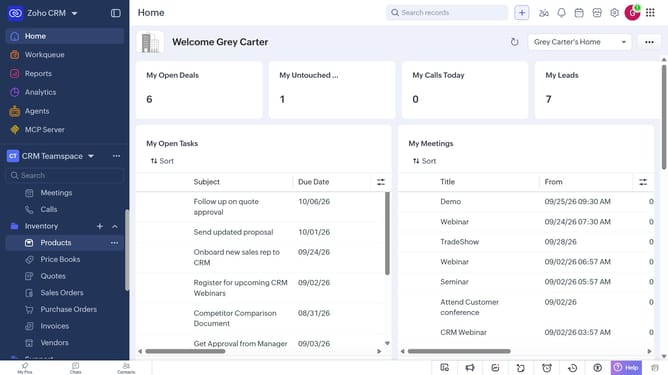
How to deactivate an active product on Zoho CRM
Here is how to deactivate an active product on zoho crm
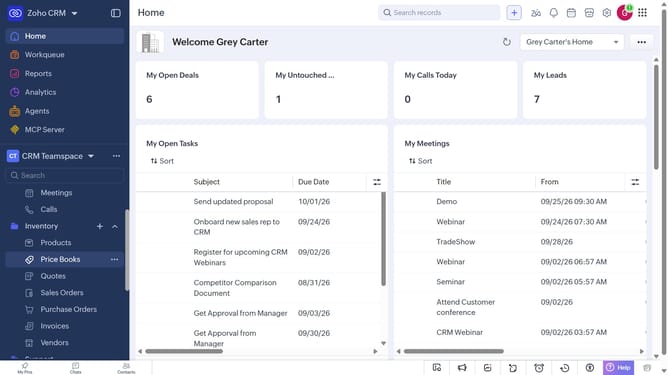
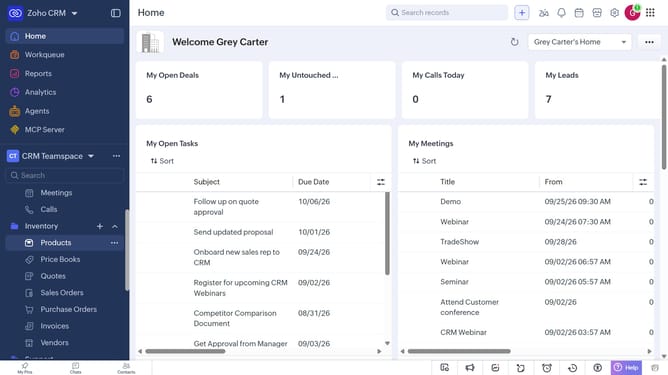
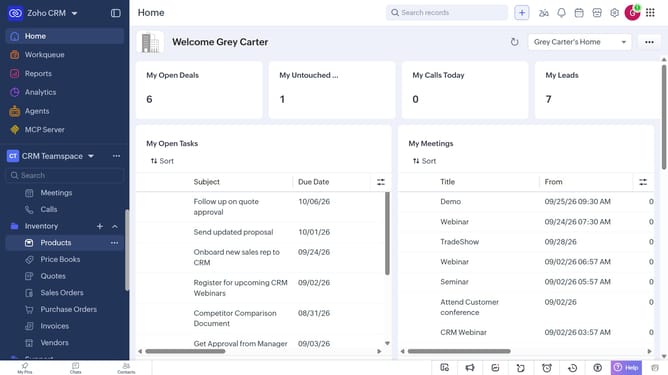
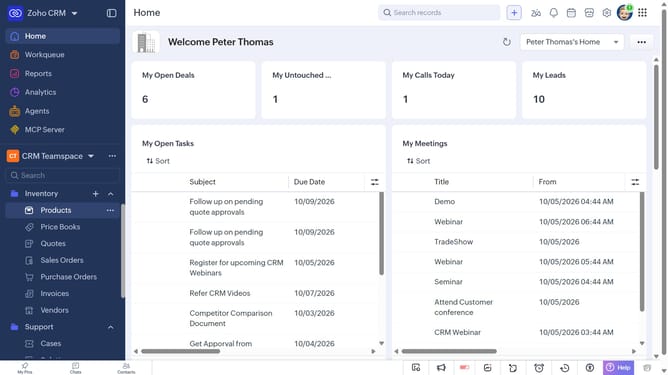
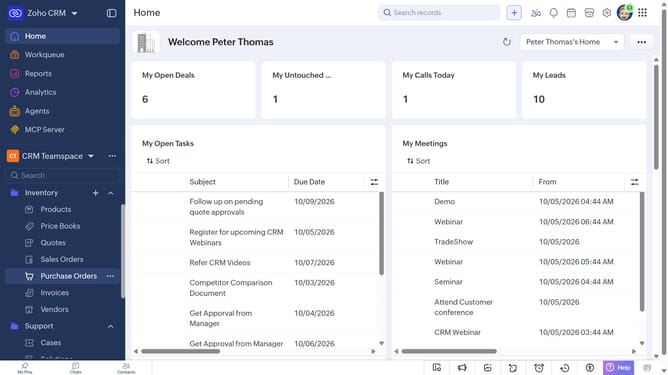
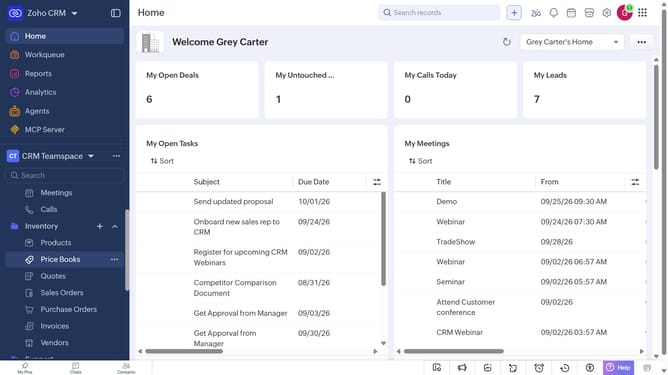
- First, click on "Products" under "Inventory" in the left sidebar menu
- Next, click on the product you want to deactivate
- Click on the "Edit" button in the top right corner
- Then, uncheck the "Product Active" box
- Finally, click on the "Save" button
Why should you How to deactivate an active product on Zoho CRM
Zoho is an all-in-one cloud software suite designed to boost business productivity.
Deactivating an active product in Zoho CRM is a handy feature that allows businesses to maintain an organized and streamlined product catalog. By deactivating products, you can manage your inventory effectively without permanently deleting items, ensuring you can reactivate them if needed in the future.
This feature is particularly useful for businesses looking to simplify their offerings, reduce clutter, and focus on promoting current and relevant products. Keeping your product list tidy can enhance team efficiency, improve sales processes, and provide a more seamless experience for both customers and sales teams.
Last update