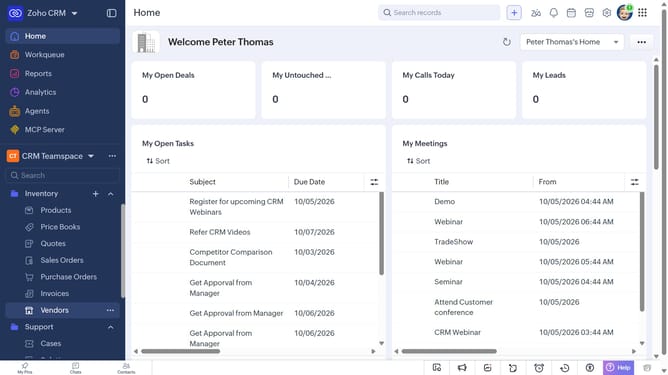
How to share a product on Zoho CRM
Here is how to share a product on zoho crm
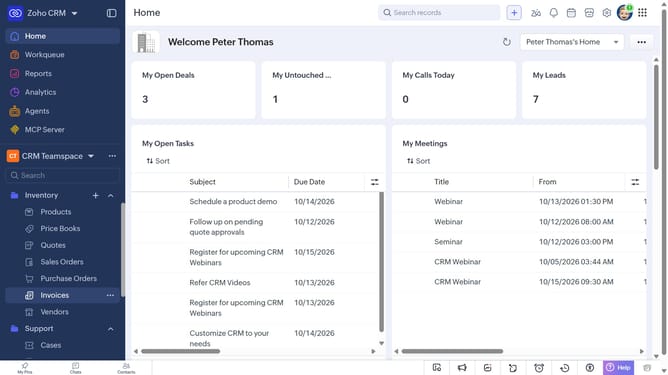
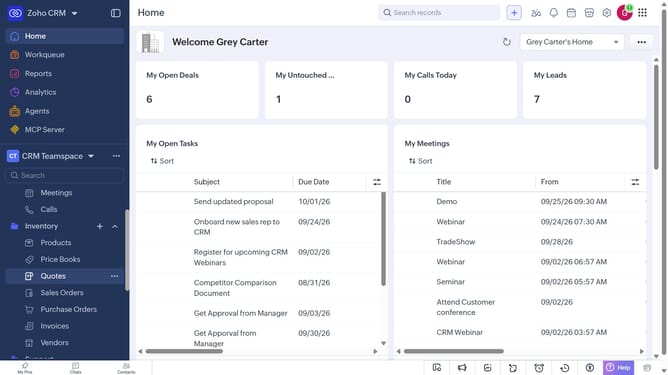
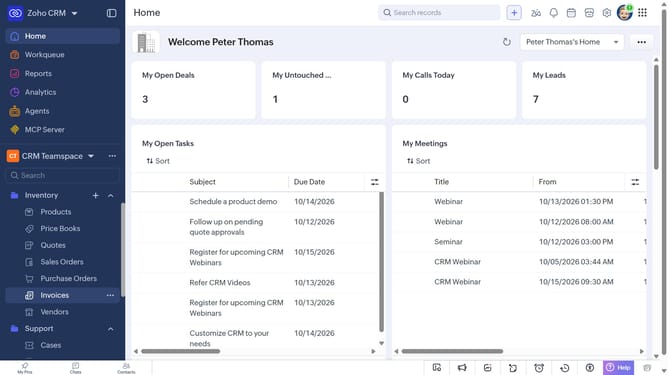
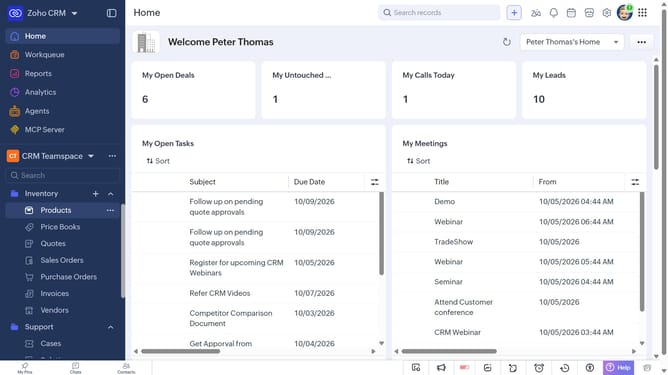
- First, click on "Products" under "Inventory" in the left sidebar menu
- Next, click on the product you want to share
- After that, click on the "More Options" button
- Select "Share" from the dropdown menu
- Then, select the record access type
- Next, click the "Permission" dropdown
- From the dropdown menu, choose the appropriate permission level
- Finally, click on the "Share" button
Why should you How to share a product on Zoho CRM
Zoho, an integrated suite of online productivity tools, streamlines business processes with precision.
Sharing a product on Zoho CRM effortlessly enhances collaboration by providing team members with instant access to essential product information. This feature ensures that everyone stays updated, fostering a more synchronized approach to sales and customer interactions.
By utilizing this capability, team efficiency soars, decision-making is expedited, and customer relationships are strengthened. It transforms product knowledge into a shared asset, elevating overall business performance.
Last update