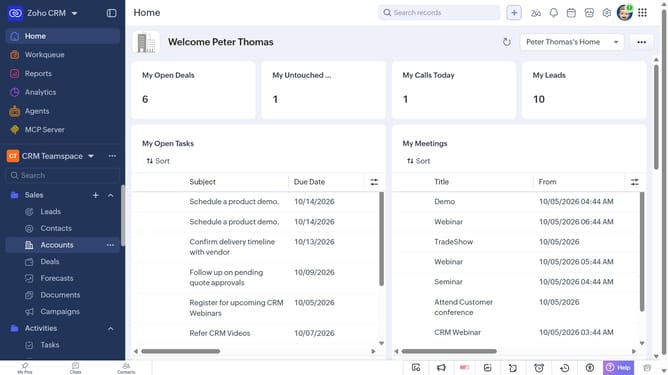
How to create a call for a product on Zoho CRM
Here is how to create a call for a product on zoho crm
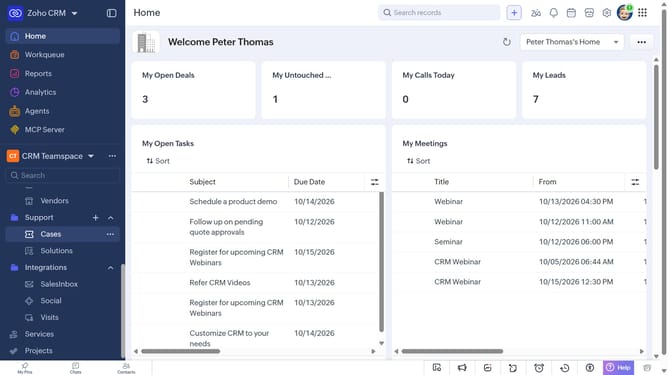
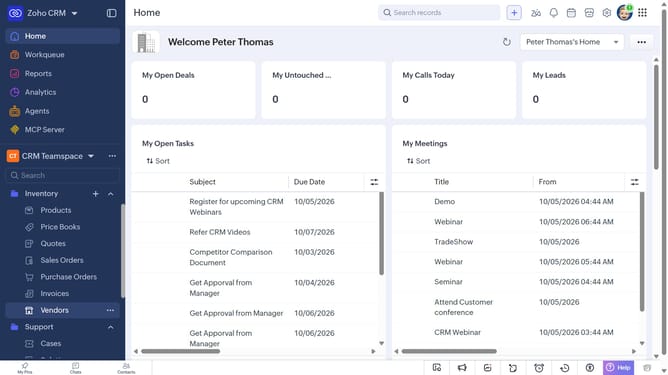
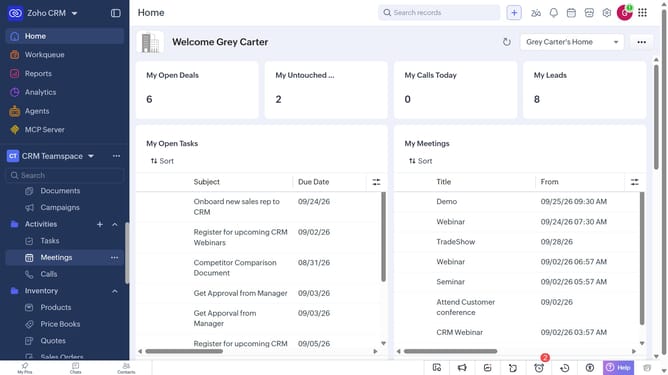
- First, click on "Products" under "Inventory" in the left sidebar menu
- Next, click on the product you want to create a call for
- Click on the "More options" button next to the product
- After that, click on "More"
- Next, click on the "Create Call" option
- Then select "Schedule a call" or "Log a call"
- Then, enter the call details in the modal that appears
- Finally, once you're done, click on the "Schedule" or "Save" button
Why should you How to create a call for a product on Zoho CRM
Zoho CRM is a comprehensive tool designed to streamline business operations through effective customer relationship management.
Creating a call for a product on Zoho CRM enhances communication and streamlines the sales process. This feature allows sales teams to track and document interactions with potential clients effortlessly. By utilizing this function, users can ensure that each customer touchpoint is logged, providing a clear history of conversations.
With precise call logging, businesses can easily revisit past interactions, leading to improved customer service and boosted sales efficiency. This organized approach facilitates seamless communication and fosters strong client relationships.
Last update