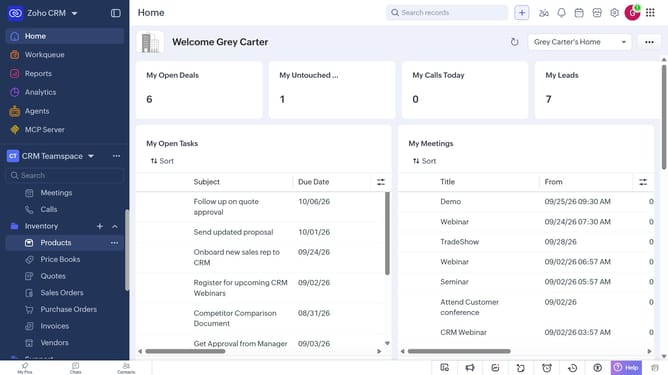
How to export tasks on Zoho CRM
Here is how to export tasks on zoho crm
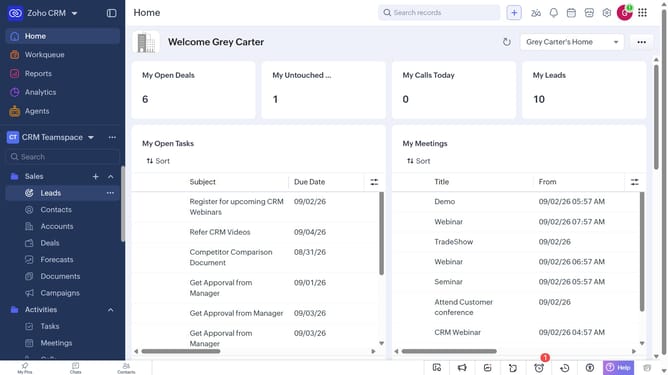
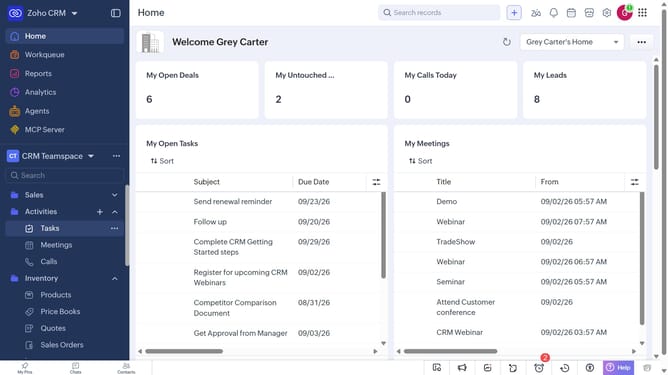
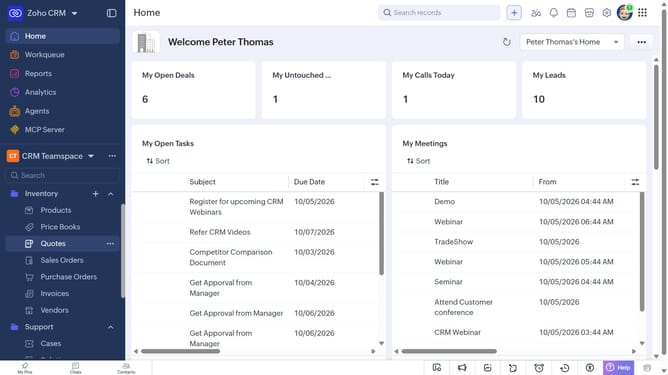
- First, click on "Tasks" in the left sidebar menu
- Next, click on the "More Options" button at the top of the Tasks list
- Select "Export Tasks" from the dropdown menu
- In the "Export Tasks" dialog, click on the "Fields to Export" dropdown
- Choose whether to export all fields or only the fields from custom view
- Then, select the file type
- If CSV is selected, choose the desired encoding from the "Charset" dropdown
- Next, toggle the "Set Password" switch on or leave it off
- Finally, click on the "Export" button
Why should you How to export tasks on Zoho CRM
Zoho CRM is a comprehensive tool designed to streamline and optimize your customer relationship management processes.
Exporting tasks in Zoho CRM is a feature that allows you to efficiently manage your workload by organizing task data in a manner suited to your specific needs.
This functionality is incredibly beneficial for businesses looking to analyze task assignments, delegate workload effectively, and maintain comprehensive records externally.
Utilizing the export tasks feature enhances productivity by providing insights into task management, ensuring that critical information is readily accessible and actionable.
Last update