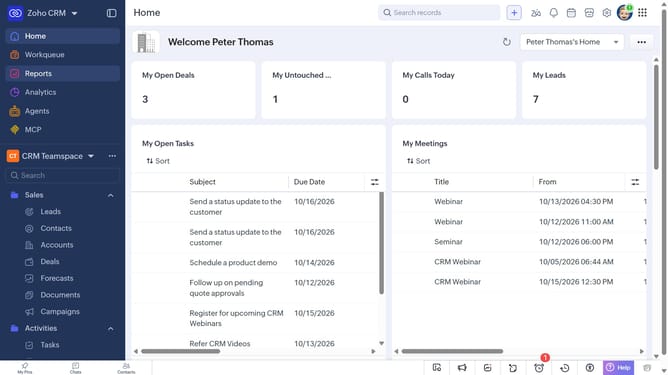
How to create a task for a purchase order on Zoho CRM
Here is how to create a task for a purchase order on zoho crm
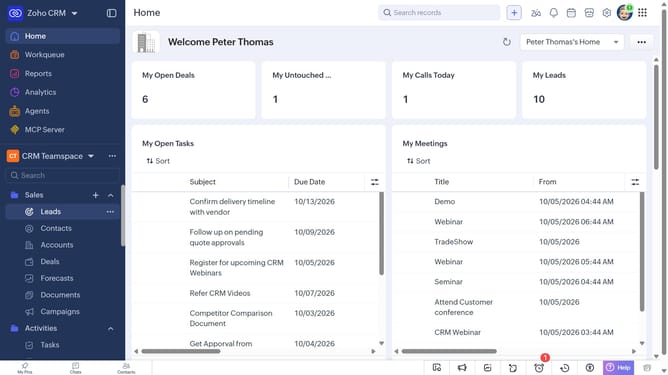
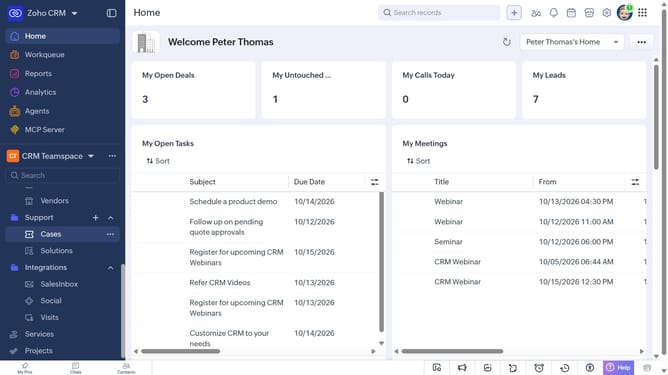
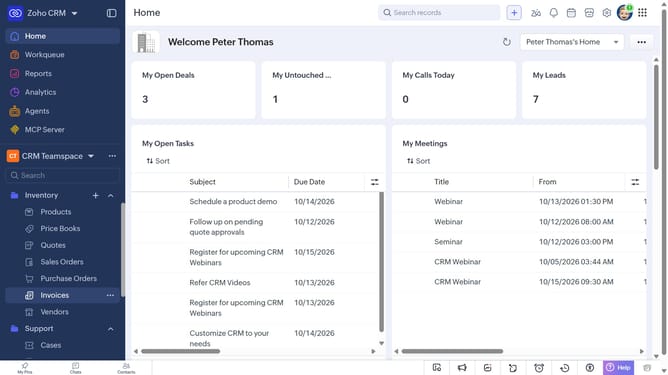
- First, click on "Purchase Orders" under "Inventory" in the left sidebar menu
- Next, locate the purchase order you want to create a task for
- Click on the "More options" button next to the purchase order
- Select "Create Task" from the dropdown menu
- Then, enter the task details, such as the subject, due date, priority, and more
- Finally, click on the "Save" button
Why should you How to create a task for a purchase order on Zoho CRM
Zoho is a comprehensive software suite designed to streamline business operations and improve productivity.
Creating a task for a purchase order in Zoho CRM is a strategic way to enhance your workflow. By integrating this feature, you ensure that follow-ups and actions related to orders are organized and timely.
This process boosts team collaboration by providing clear visibility and accountability, ensuring everyone knows what needs to be done. Utilizing tasks for purchase orders helps maintain a smooth sales process, reducing the risk of overlooked responsibilities and enhancing customer satisfaction.
Last update