How to change the owner of a product on Zoho CRM
Here is how to change the owner of a product on zoho crm
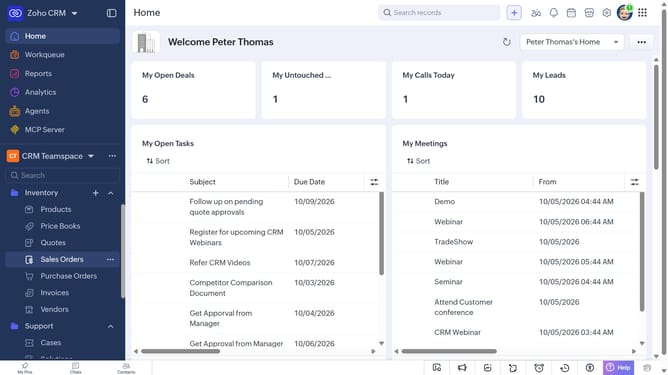
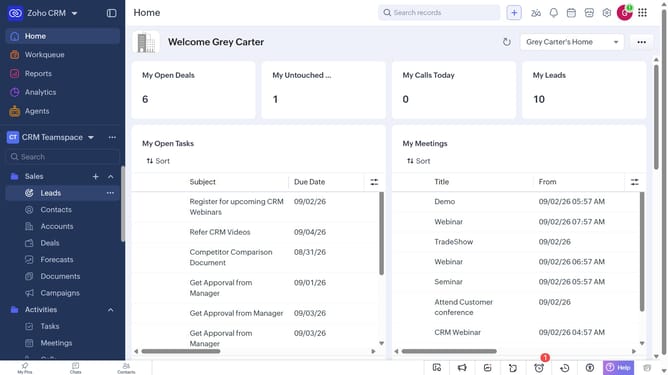
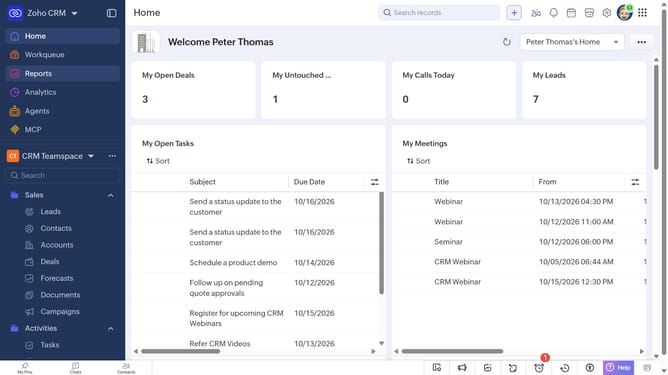
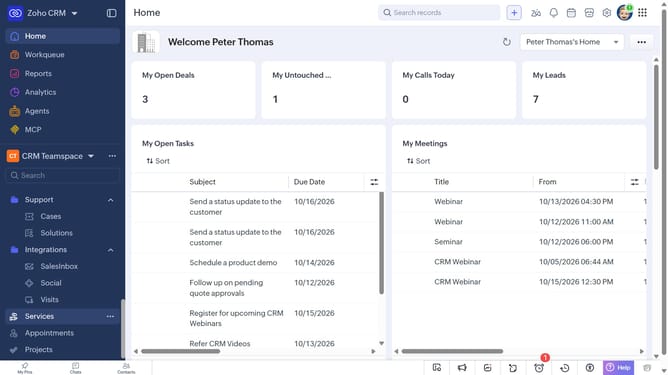
- First, click on "Products" under "Inventory" in the left sidebar menu
- Next, locate the product whose owner you want to change
- Click on the "More options" button next to the product
- Select "Change Owner" from the dropdown menu
- In the "Change Owner" modal, click on the dropdown
- Then select the new owner from the dropdown menu
- Next, check "Send Email notification" to enable alerts, or leave it unchecked
- Finally, click on the "Change Owner" button
Why should you How to change the owner of a product on Zoho CRM
Zoho CRM is a versatile tool designed to streamline and automate business relationships.
Changing the owner of a product within Zoho CRM is a straightforward feature that enhances team collaboration and clarity.
This functionality ensures that the most relevant team member manages and communicates updates about a specific product, fostering accountability and efficiency.
Empowering the right person with ownership can lead to more seamless operations, improved customer interactions, and strategic alignment across teams.
Last update