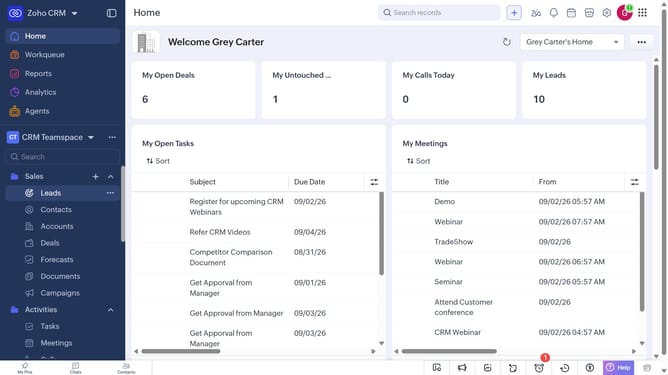
How to use a comma as the number grouping separator on Zoho CRM
Here is how to use a comma as the number grouping separator on zoho crm
- First click on the settings icon in the top right corner
- Click on "Personal Settings" under the "General" section
- Next, click on the pencil icon next to "Locale information"
- After that, click on the "Grouping" dropdown under "Number Format" section
- Then, select "Comma" from the dropdown menu
- Finally click on the "Save" button
Why should you How to use a comma as the number grouping separator on Zoho CRM
Zoho CRM, a cloud-based solution designed to streamline your customer relationship management, offers a plethora of customization options for enhanced data handling.
Using a comma as the number grouping separator in Zoho CRM can significantly improve the readability of your financial data. This feature is crucial for quickly interpreting figures in reports, ensuring clear communication and streamlined analysis of large numbers.
By adopting this method, you enhance data accessibility, making it easier for teams to grasp important information at a glance, ultimately boosting efficiency and decision-making.
Last update