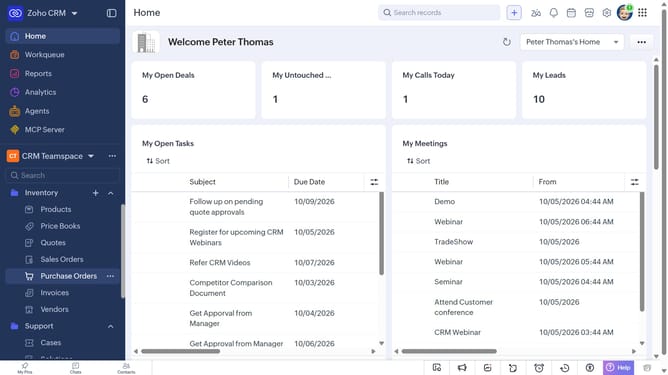
How to clone a vendor on Zoho CRM
Here is how to clone a vendor on zoho crm
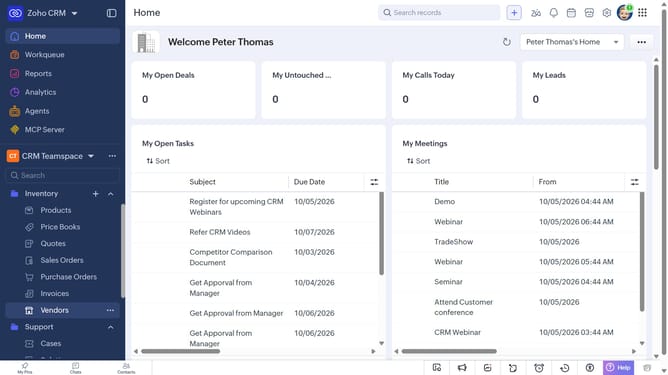
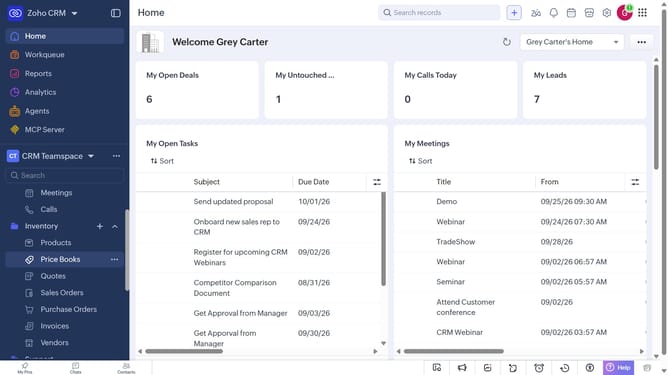
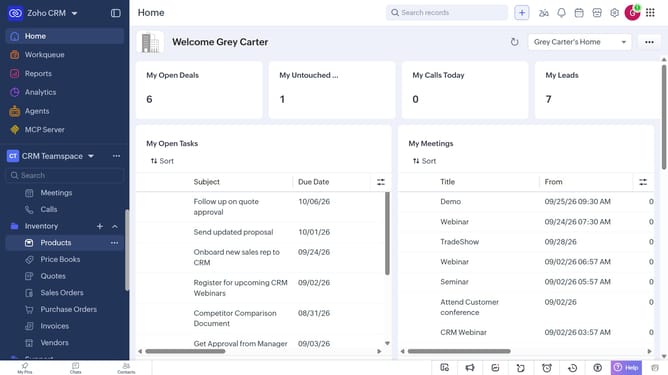
- First, click on "Vendors" under "Inventory" in the left sidebar menu
- Next, click on the vendor you want to clone
- Click on the "More Options" button in the top right corner
- Select "Clone" from the dropdown menu
- Then, make changes to the cloned vendor details
- Finally, click on the "Save" button
Why should you How to clone a vendor on Zoho CRM
Zoho CRM is an intuitive platform that streamlines business management through efficient customer relationship tools.
One standout feature is the ability to clone a vendor. Cloning a vendor in Zoho CRM allows you to effortlessly replicate vendor details without manual data entry, saving you time and reducing errors.
This feature is invaluable for businesses dealing with multiple vendors, ensuring consistency and accuracy across records, and simplifying the process of onboarding similar vendors.
Embracing vendor cloning enhances operational efficiency, allowing teams to focus on nurturing business relationships instead of data duplication tasks.
Last update