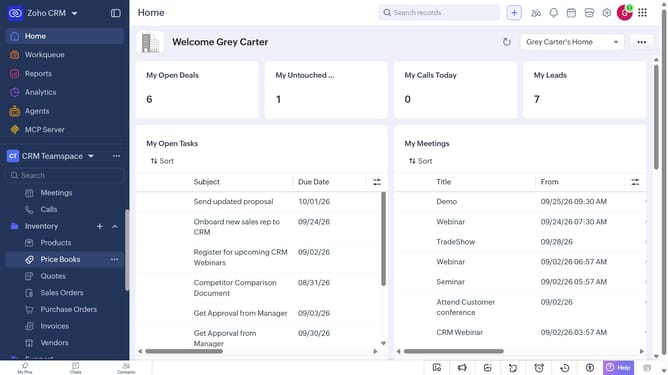
How to set the preferred distance unit to Miles (mi) on Zoho CRM
Here is how to set the preferred distance unit to miles (mi) on zoho crm
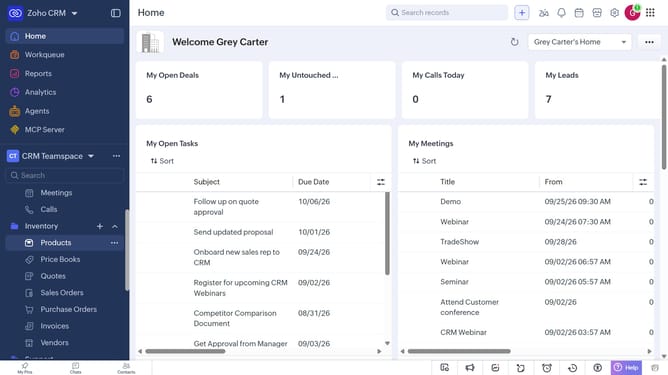
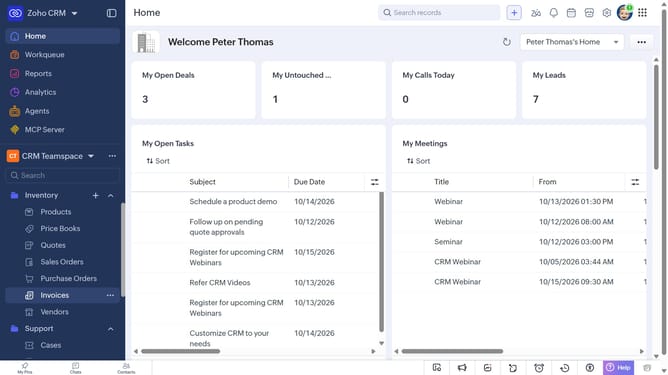
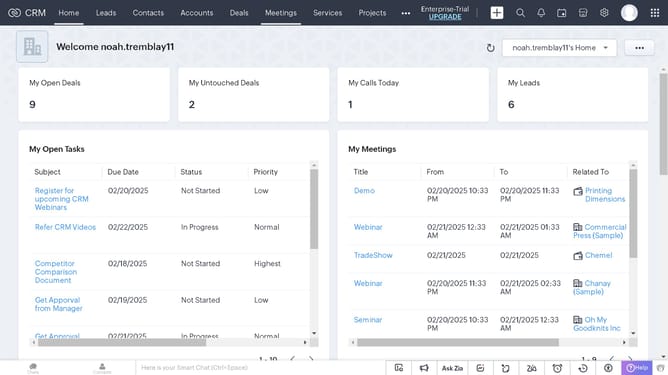
- First click on the settings icon in the top right corner
- Click on "Personal Settings" under the "General" section
- Next, click on the pencil icon next to "Locale information"
- After that, click on the "Preferred Unit for Distance" dropdown
- Then, select "Miles (mi)" from the dropdown menu
- Finally click on the "Save" button
Why should you How to set the preferred distance unit to Miles (mi) on Zoho CRM
Zoho CRM is a powerful tool designed to streamline customer relationship management by offering flexible, user-friendly solutions.
Setting the preferred distance unit to Miles (mi) in Zoho CRM can enhance geographical precision and align with regional preferences. This feature ensures that all distance-related data are displayed in a familiar unit, making it easier for users in countries like the United States and the United Kingdom to comprehend distances.
Utilizing the miles unit can significantly boost productivity for teams working on logistics, field services, or sales territories, as it allows for better planning and accurate reporting.
Last update