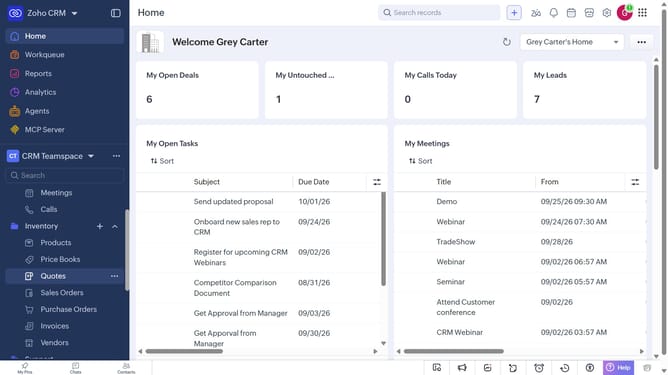
How to create a task for a product on Zoho CRM
Here is how to create a task for a product on zoho crm
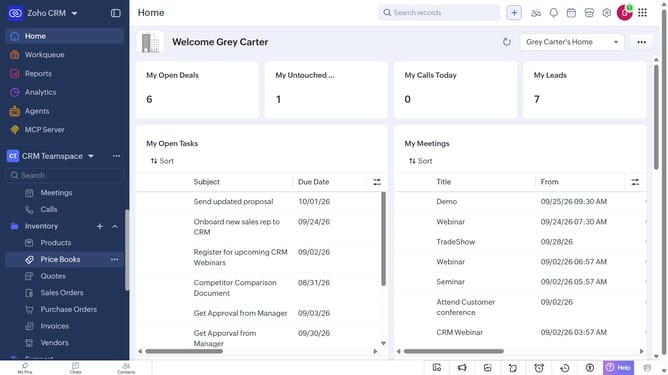
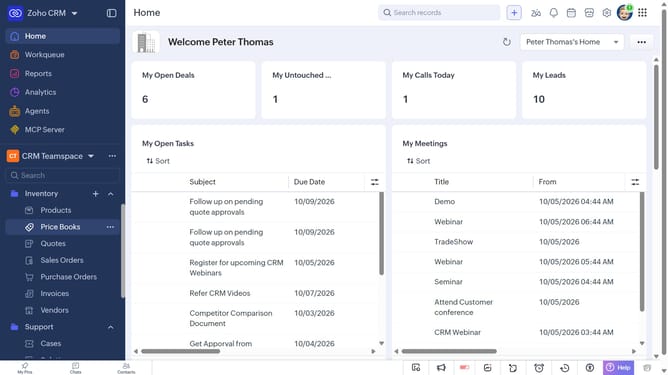
- First, click on "Products" under "Inventory" in the left sidebar menu
- Next, locate the product you want to create a task for
- Click on the "More options" button next to the product
- Select "Create Task" from the dropdown menu
- Then, enter the task details
- Finally, click on the "Save" button
Why should you How to create a task for a product on Zoho CRM
Zoho CRM is a dynamic platform designed to streamline customer relationship management with ease.
Creating a task for a product in Zoho CRM is a powerful feature that enhances organization and efficiency. By setting tasks, teams can ensure that every product-related activity is tracked and managed with precision. This feature helps in prioritizing actions, leading to improved follow-ups and increased productivity.
Utilizing tasks in Zoho CRM empowers teams to maintain focus on key deliverables and deadlines. It facilitates better communication and accountability, ultimately contributing to seamless project execution and customer satisfaction.
Last update