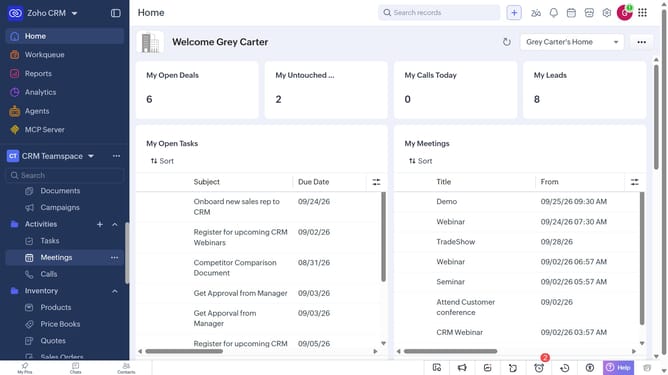
How to clone a quote on Zoho CRM
Here is how to clone a quote on zoho crm
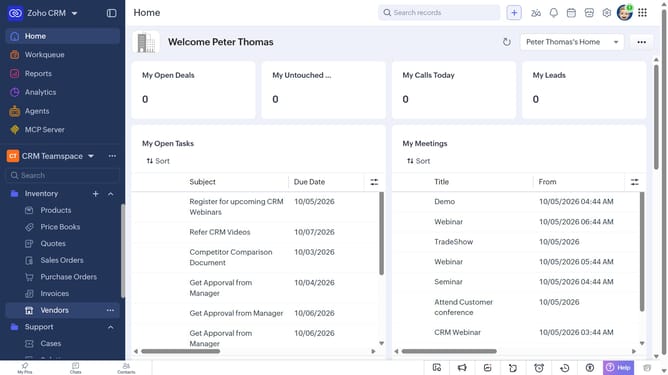
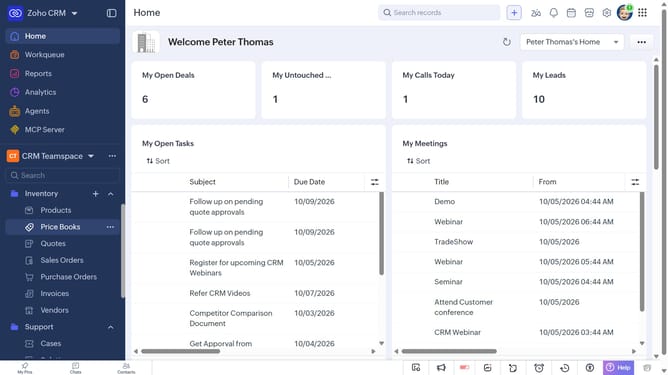
- First, click on "Quotes" under the "Inventory" section in the left sidebar menu
- Next, click on the quote you want to clone
- After that, click on the "More Options" button
- Select "Clone" from the dropdown menu
- Then, make changes to the cloned quote details
- Finally, click on the "Save" button
Why should you How to clone a quote on Zoho CRM
Zoho CRM is a powerful tool designed to streamline your business processes and improve customer management.
Cloning a quote in Zoho CRM allows you to effortlessly replicate existing quotes, saving time and maintaining consistency.
This feature is particularly useful when you need to provide similar quotes to multiple clients or create a template for recurring transactions.
By using the cloning feature, you ensure accuracy and efficiency, reducing manual errors and speeding up the quoting process. This ultimately enhances productivity and client satisfaction.
Last update