How to print a vendor's details on Zoho CRM
Here is how to print a vendor's details on zoho crm
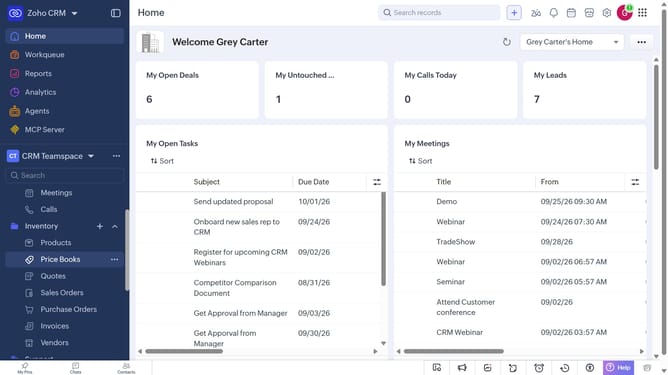
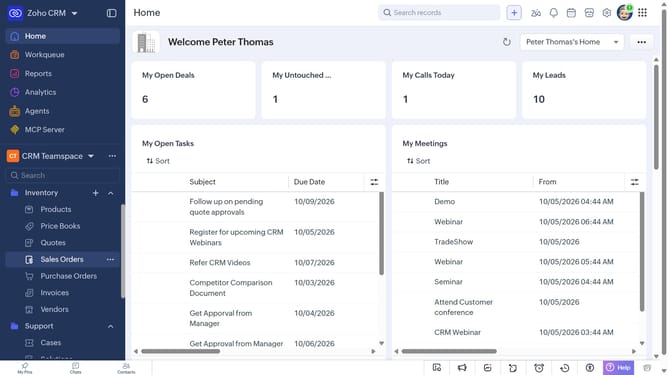
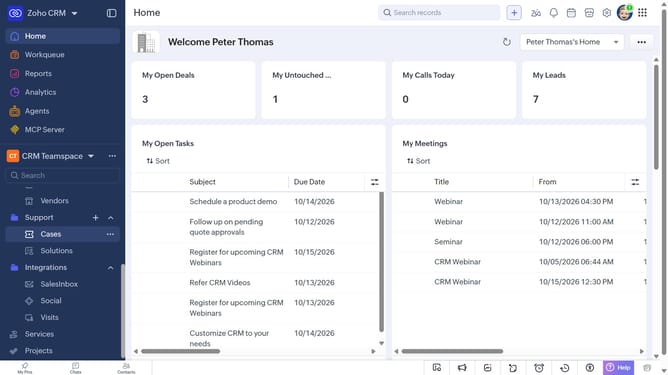
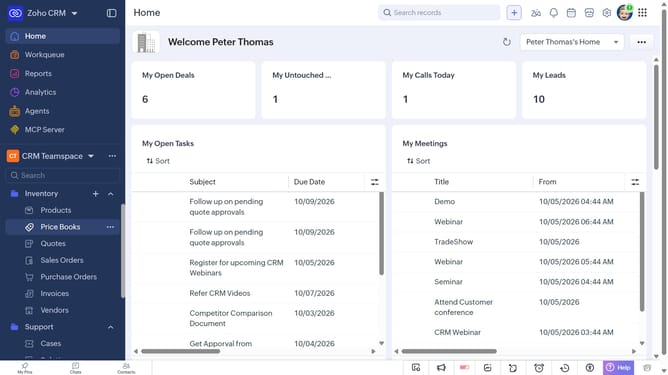
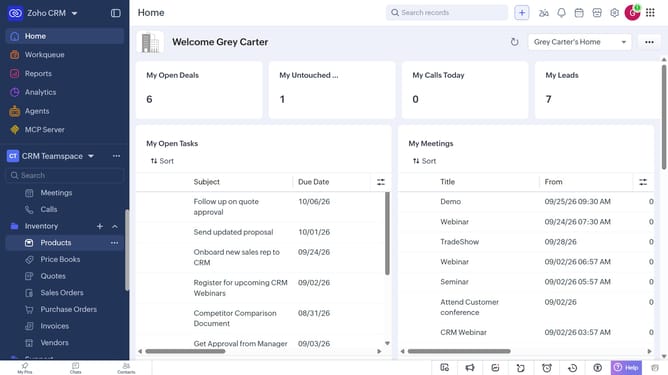
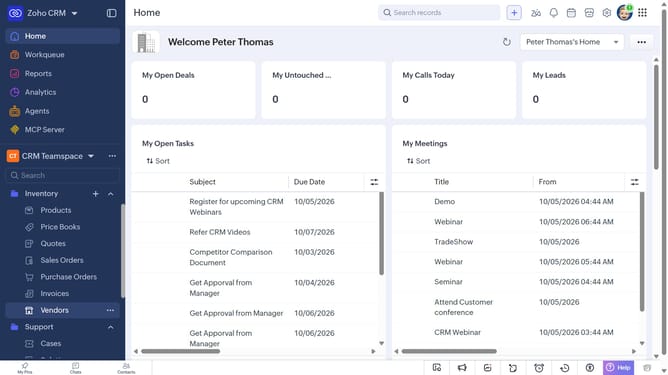
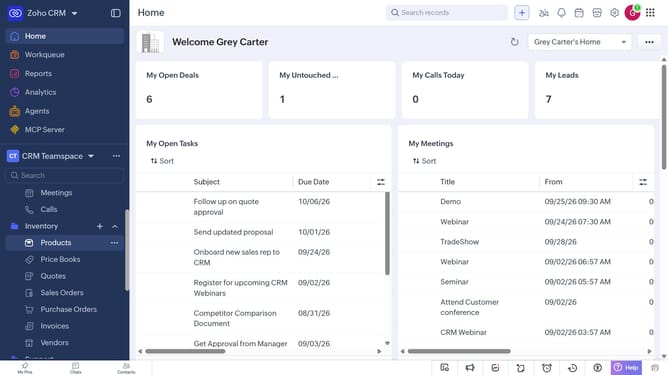
- First, click on "Vendors" under "Inventory" in the left sidebar menu
- Next, click on the vendor you want to print
- Click on the "More options" button in the top right corner
- Select "Print Preview" from the dropdown menu
- Then, review the vendor details in the print preview
- Next, click on the "Choose a Template Category" dropdown
- Then select a template from the dropdown menu
- Finally, click on the "Print" button
Why should you How to print a vendor's details on Zoho CRM
Zoho CRM is a versatile tool designed to streamline business operations and enhance customer relationship management.
Printing a vendor's details from Zoho CRM is a valuable feature that ensures easy access to crucial information, whether you're in a meeting or need a quick reference. Having physical copies of vendor details can enhance communication and collaboration with teams who might prefer tangible records.
This feature adds convenience and efficiency, allowing for smooth management of vendor relationships. By seamlessly transforming digital data into printed form, Zoho CRM empowers businesses to maintain organized, reliable information at their fingertips.
Last update