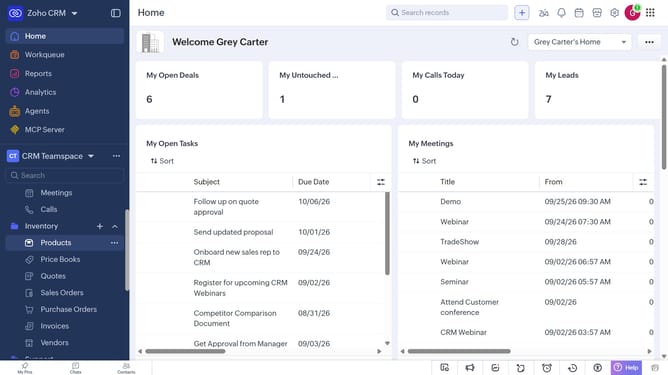
How to edit the pricing details of a price book on Zoho CRM
Here is how to edit the pricing details of a price book on zoho crm
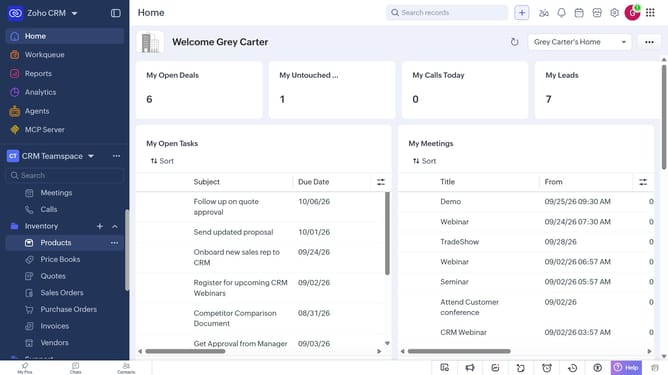
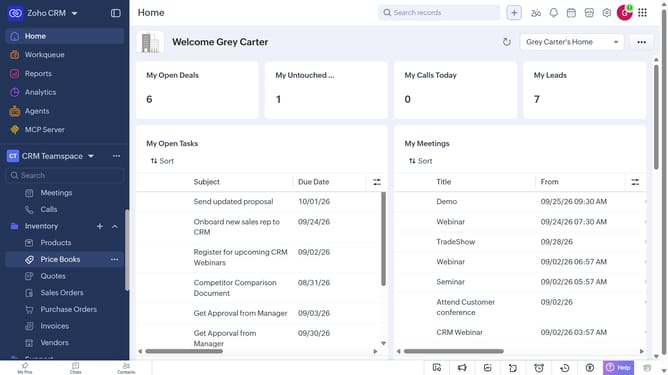
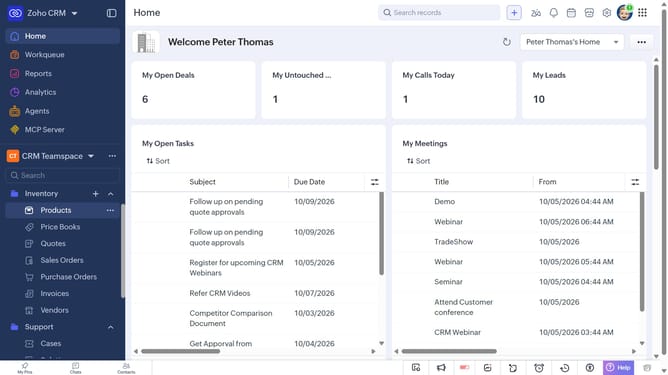
- First, click on "Price Books" under the "Inventory" section in the left sidebar menu
- Next, locate the price book whose pricing details you want to edit
- After that, click on the "Edit" button
- Scroll down to the "Pricing Details" section
- Then, update the pricing details as needed
- Finally, click on the "Save" button
Why should you How to edit the pricing details of a price book on Zoho CRM
Zoho is a comprehensive suite of online productivity tools and SaaS applications designed to manage and automate business processes seamlessly.
Editing the pricing details of a price book on Zoho CRM is a powerful feature that empowers businesses to stay competitive and flexible. With this capability, you can swiftly adapt to market changes by updating cost structures, ensuring your pricing strategy aligns with your business goals.
By fine-tuning pricing in real-time, businesses can capitalize on new opportunities, maintain profitability, and address customer needs promptly. This feature enhances accuracy, boosts productivity, and strengthens customer relationships through transparent and fair pricing.
Last update