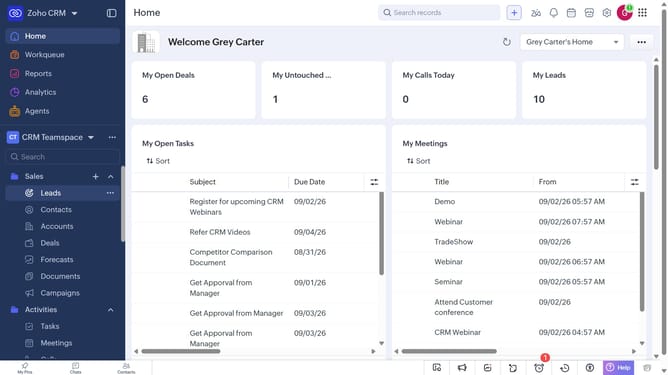
How to print preview a contact on Zoho CRM
Here is how to print preview a contact on zoho crm
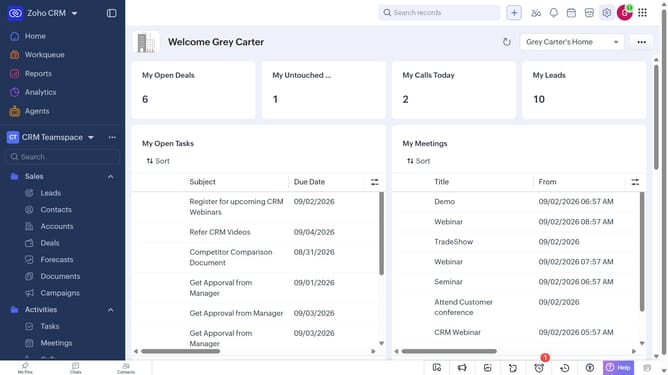
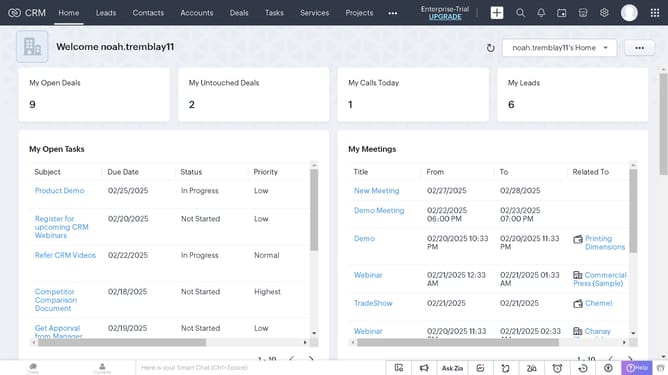
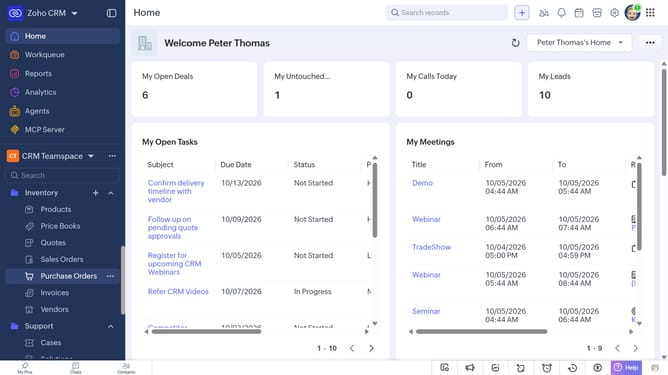
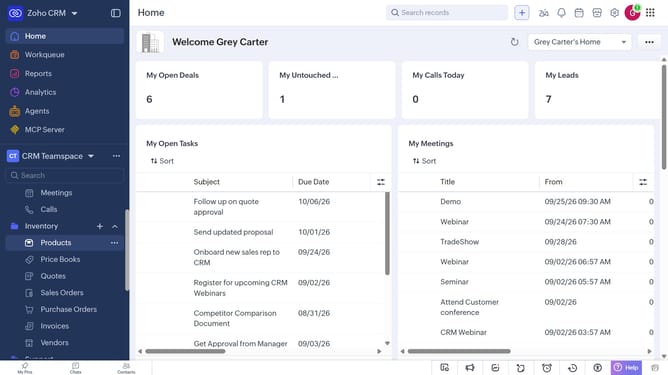
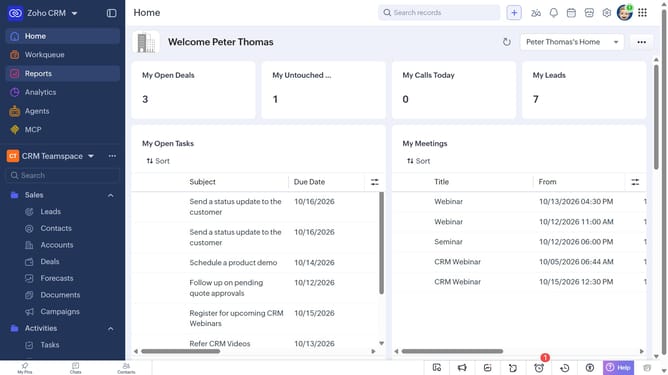
- First, click on "Contacts" in the left sidebar menu
- Next, click on the contact you want to preview
- After that, click on the "More Options" button
- Then select "Print Preview" from the dropdown menu
Why should you How to print preview a contact on Zoho CRM
Zoho is an all-in-one cloud-based platform designed to help businesses streamline their operations and enhance their efficiency.
Print previewing a contact on Zoho CRM allows users to effortlessly visualize contact details before printing. This feature presents a clean, organized layout of essential information, ensuring accuracy and clarity.
Utilizing print preview prevents errors and saves time by letting you confirm details at a glance. It supports seamless communication, enhancing professionalism and ensuring that important data is conveyed accurately.
Last update