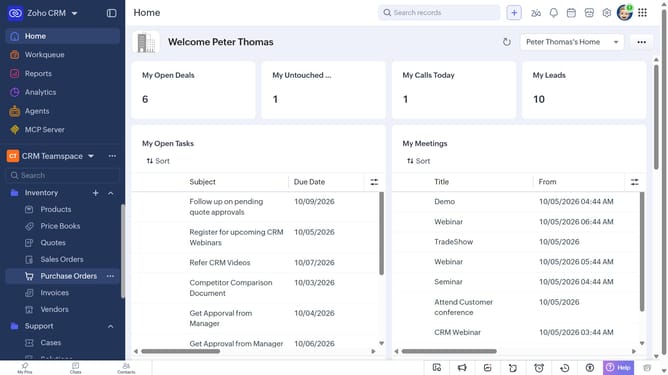
How to share a lead on Zoho CRM
Here is how to share a lead on zoho crm
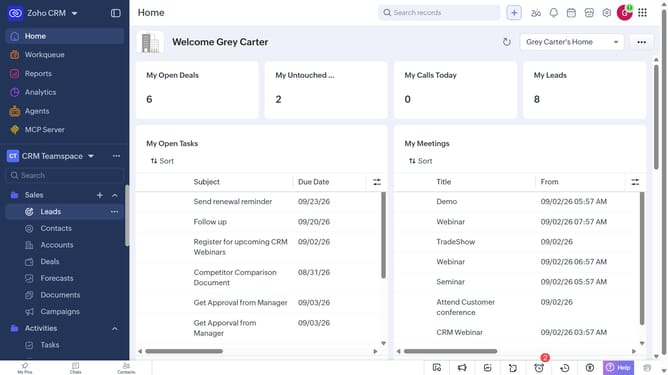
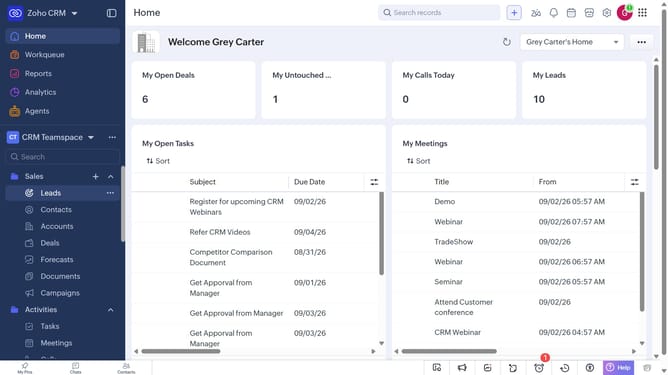
- First click on "Leads" in the left sidebar menu
- Next, click on the lead you want to share to open its detail page
- Then click on the "More options"(three dots) button
- Select "Share" from the dropdown menu
- After that, select the record access type (Private or Public)
- Then, click the "Permission" dropdown
- Then choose the permission level
- Finally, click on the "Share" button to confirm
Why should you How to share a lead on Zoho CRM
Zoho is a comprehensive suite designed to streamline business processes, empowering organizations with efficient CRM solutions.
Sharing a lead on Zoho CRM is a powerful feature that fosters collaboration and ensures that every team member has access to crucial information.
By allowing team members to share leads, organizations can enhance communication, ensuring that no opportunity is overlooked.
This seamless sharing also promotes a unified approach, leading to more consistent customer interactions and improved conversion rates.
Last update